
Accolent ERP allows many different pricing elements for maximum pricing flexibility. One of these pricing elements is Special Prices. All Special Prices discounts are added after and on top of discounts other than Contract Prices and Promotional Discounts. The following examples illustrate how Special Prices work with Contract Prices and Price Lists. See the Accolent ERP Pricing Flow Chart for more details.
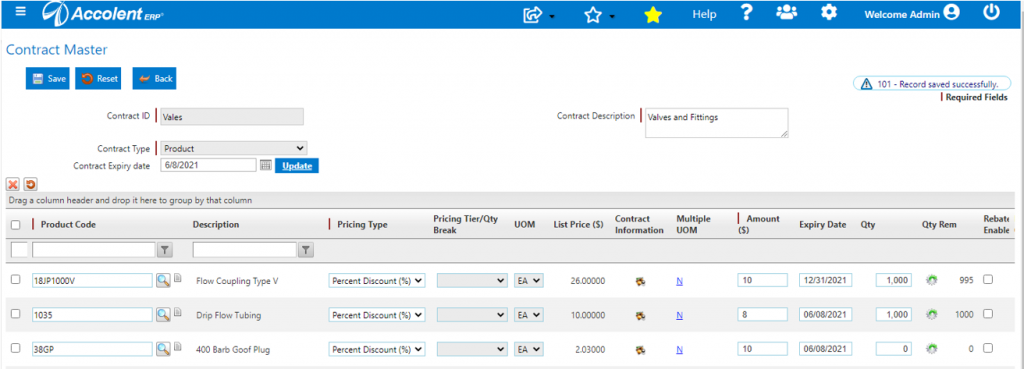
Contract Prices
- The priority 1 linked contract for Customer 011 has product 18JP1000V set at a 10% discount to List Price of $26.00
- The contract price is therefore, $23.40
Pricing Tiers
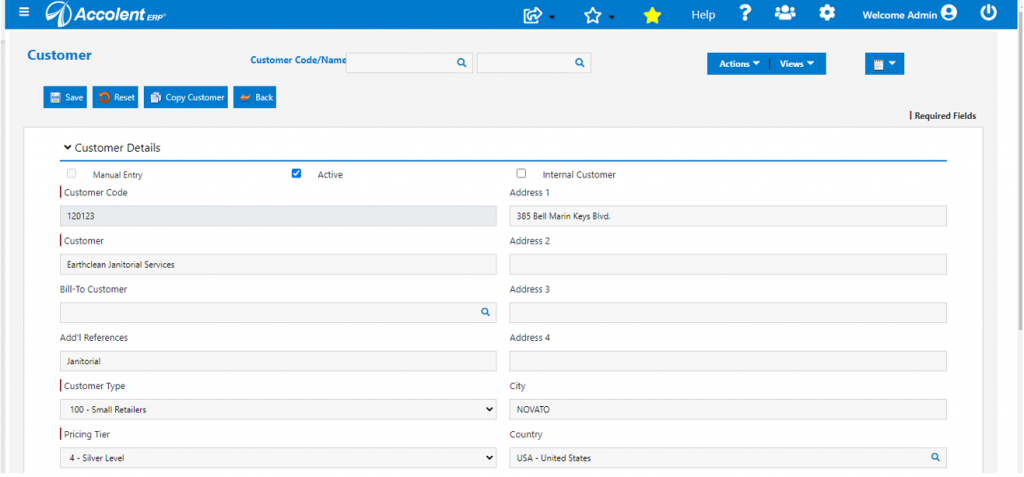
- Customer 120123 does not have any contract pricing but is assigned the Silver Level pricing tier
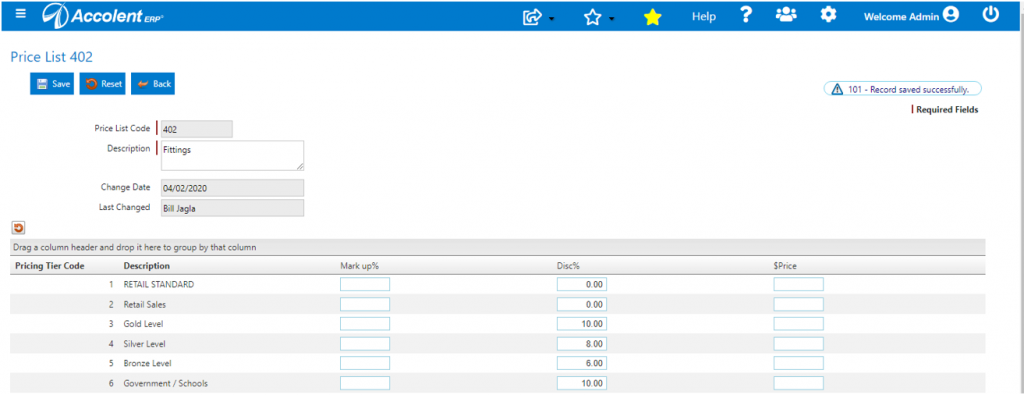
- On Price List 402, Silver Level price is 8% discount to List Price of $26.00
- Silver Level price is $23.92
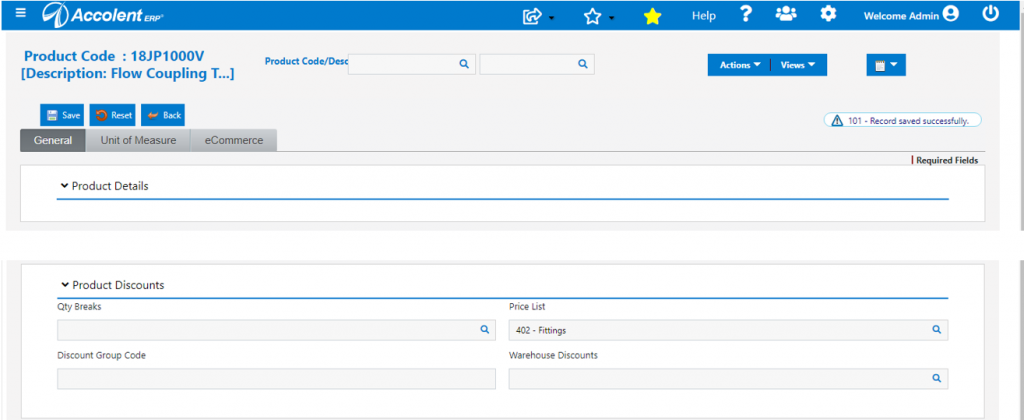
- Price List 402 applies to product code 18JP1000V
Special Pricing
- Add a Special Price discount of 3.00% for Customer 011 on Product 18JP1000V
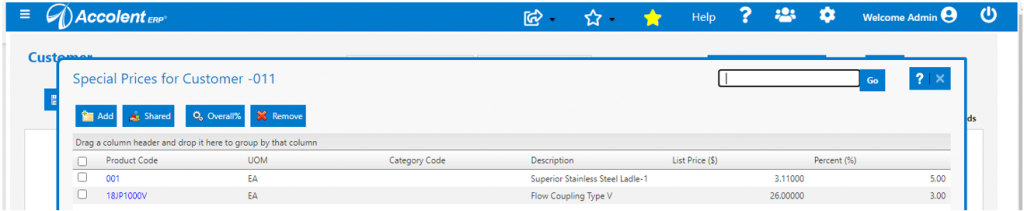
- Add a Special Price discount of 2.00% for Customer 120123 on Product 18JP1000V

Effective Pricing
Create Order 12355
- Create order 12355 for Customer 011 that has contract pricing
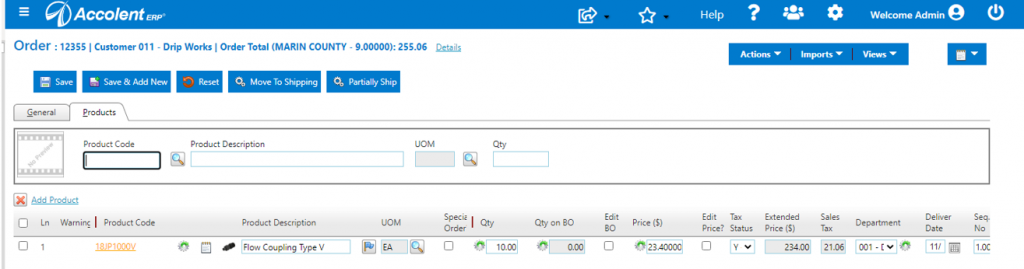
- In this case, since there is Contract Pricing, Special Pricing does not apply:
- The contract price for 18JP1000V is a List Price of $26.00 less 10.00% discount, which is $23.40 applies
- Special Pricing for 18 JP1000V is a discount of 3.00% which does not apply with Contract Pricing
- Order entry price is $23.40
Create Order 12356
- Create order 12356 for Customer 120123
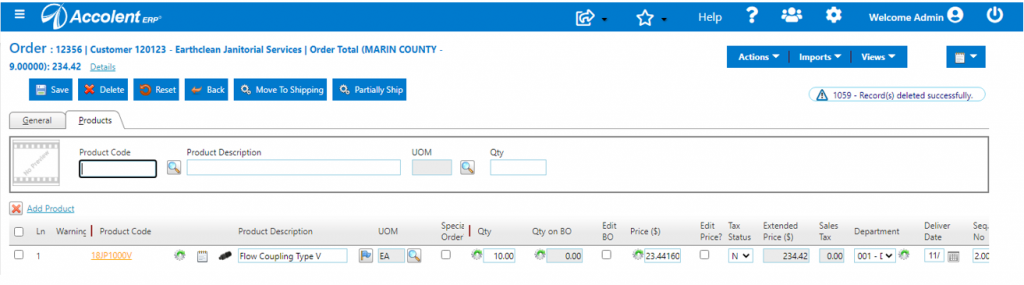
- In this case, the Special Pricing discount is added to the Price List discount:
- The Price List for 18JP1000V is List Price of $26.00 less an 8.00% discount, which is $23.92
- Special Pricing for 18 JP1000V on top of the Price List discount of $23.92 is a further discount of 2.00% which gives $23.4416