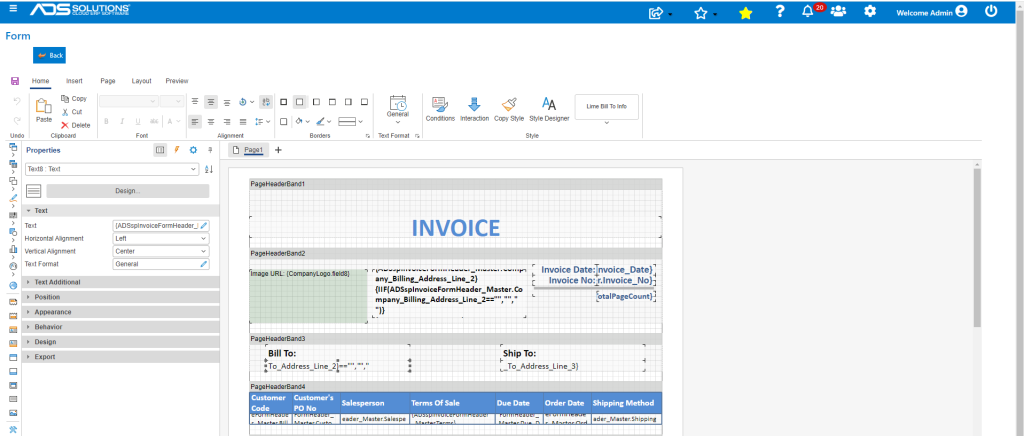
Accolent ERP stores a Shipping address for a Customer (whether a Bill-To Customer or a Ship-To Customer) as well as a Billing Address. If the Billing Address is blank, the Invoice form will use the Shipping Address. Note the Shipping Address and Billing Address should not be confused with Ship-To Customers and Bill-To Customers.
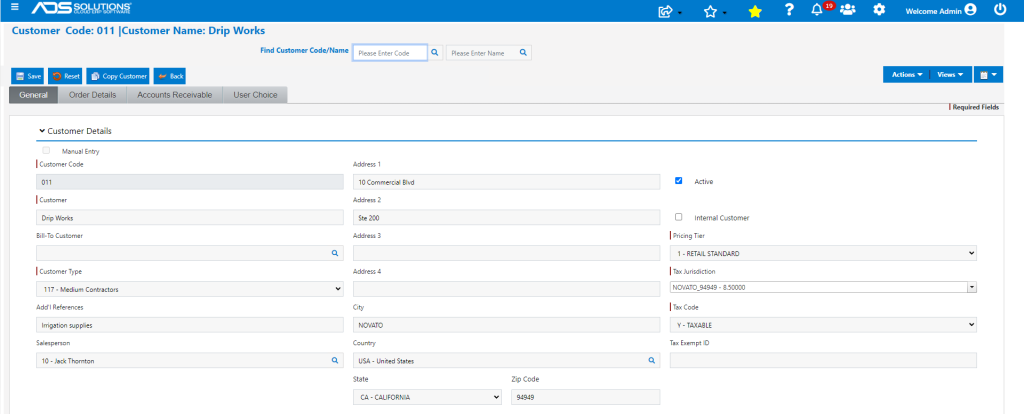
Customer’s Physical Shipping Address
- Select any Customer.
- The address shown on the Customer screen is the Ship-To address of the customer.
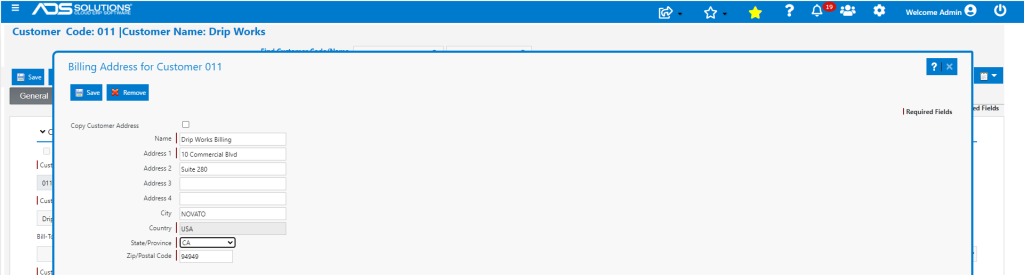
Customer’s Billing Address
- Go to Actions > Billing Address.
- Enter a Billing Address.
- If the Billing Address screen is blank, the Invoice Bill-To address will use the Ship-To address.
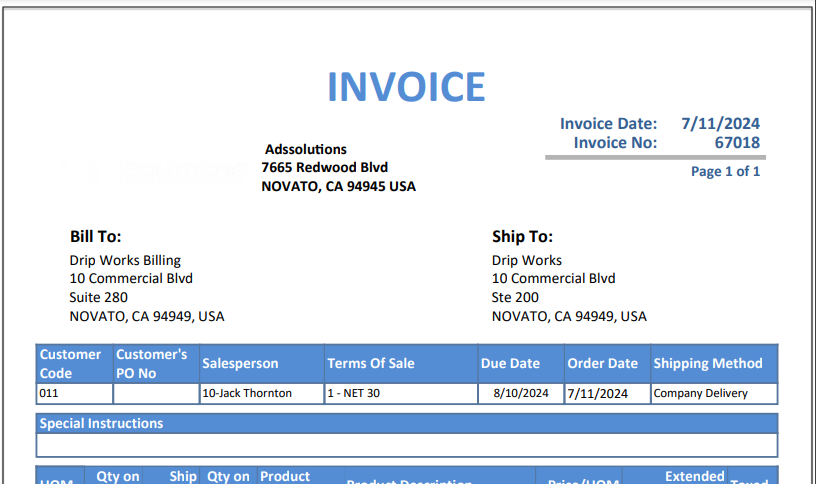
Invoice form
- The Invoice form shows both the Bill-To and the Ship-To addresses.
- If the addresses need to be formatted differently, go to Settings > Printing and Sending > Forms Setup.
- Select the Invoice form variation being used then use the Design button to modify the address format as desired.