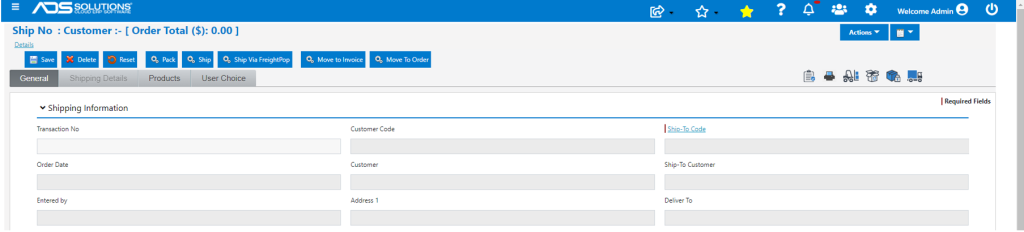
When orders are moved to invoice from the Ship Confirm screen, Accolent ERP will typically redirect to the List Invoices screen upon completion. There is a System Configuration setting that upon completion of the move to invoice, clears the Ship Confirm screen and suppresses the redirection. The User is then able to enter another order on the Ship Confirm screen to move to invoice. Note: this System Configuration only applies to moving invoices from the Ship Confirm screen not by selecting and moving from the List Shipments screen or opening and moving a shipment directly.
Configuration Setting
- Configuration ID 207 if set to Y will redirect from the Ship Confirm screen to the List Invoices screen upon completion; if set to N the system will clear and remain on the Ship Confirm screen.

Move to Invoice From Ship Confirm
- With Config ID 207 set to Y, go to Ship Confirm screen.
- From Ship Confirm screen move Order 36375 to Invoice.
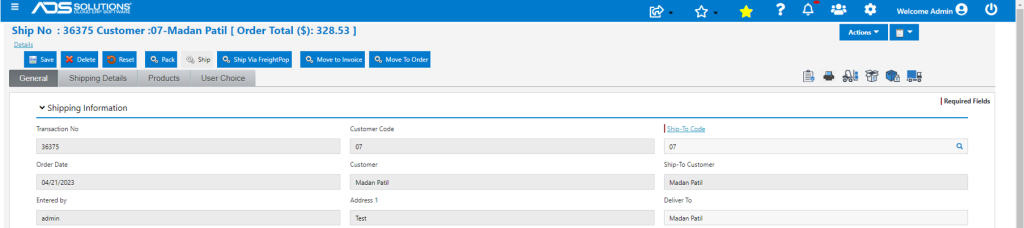
- Upon completion, redirects to the List Invoices screen.

Move to Invoice From Ship Confirm Again
- Now, with Config ID 207 set to N, go to Ship Confirm screen.
- Then from Ship Confirm screen move Order 36379 to invoice.
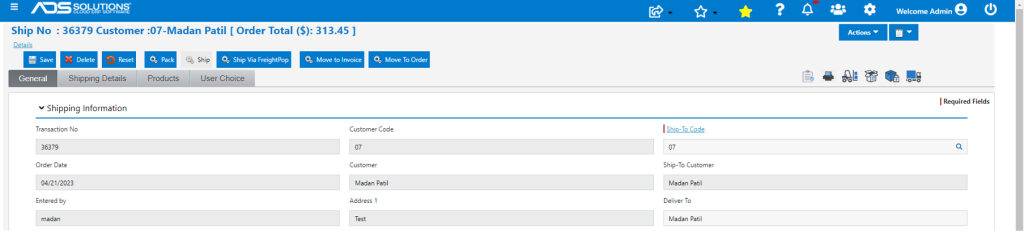
- This time, upon completion, clears and remains on the Ship Confirm screen.