
Accolent ERP is partnered with and linked to EasyPost the leading multi-carrier solution for shipping packages. Through EasyPost, Accolent ERP users can access over 100 carriers worldwide including all the major carriers and many regional carriers. This carrier diversification allows Accolent ERP users to get the best rates and ensure delivery even with Supply Chain breakdowns. An Accolent ERP order packed and shipped through any of the 100+ EasyPost carriers, automatically records tracking numbers, prints shipping labels, updates shopping carts and stores line-item/box level information in the Accolent ERP database.
Benefits of EasyPost Linkage
- EasyPost gives shippers the ability to:
- Access a global carrier network that delivers 100+ domestic, international and regional carriers,
- Rate shop across multiple carriers and regional carriers,
- Use SmartRate delivery metrics to optimize shipping to save up to 70% in shipping charges, and
- Get shipping labels, tracking numbers and real-time shipment updates.
Creating an EasyPost Account
- To use the Accolent ERP/EasyPost linkage, go to the ADS Solutions website and from the menus select Features > Shipping Mgmt > Learn More About EasyPost.
- That will take you to this website page: Accolent ERP/EasyPost Linkage
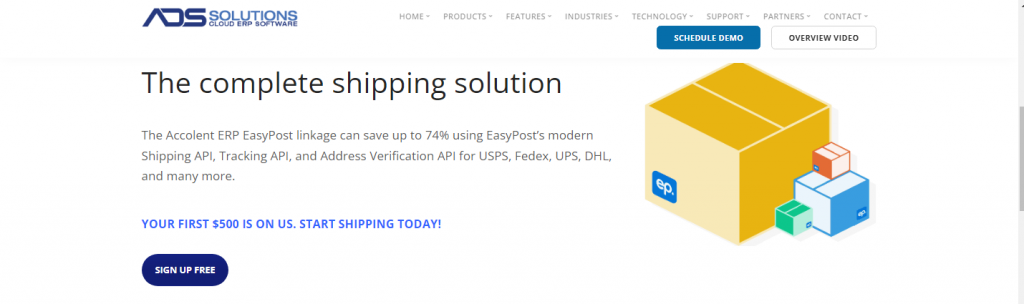
- Click on the SIGN UP FREE button.
- EasyPost offers a free account for up to 120,000 packages shipped per year, and the first $500 shipping is free.
- Once you have an EasyPost Account, login to the EasyPost dashboard.
Carrier Accounts
- Click on the top left link and add Carrier Accounts.
- Click on Add Carriers.
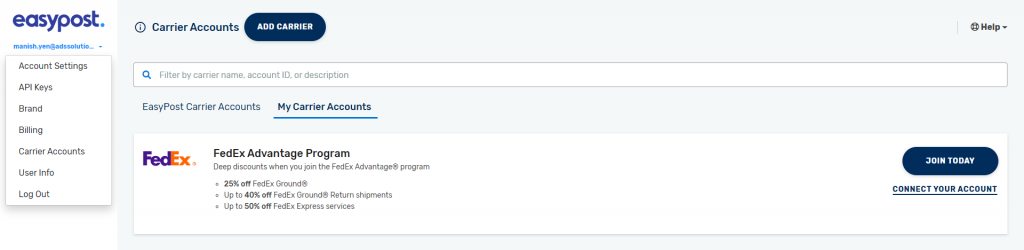
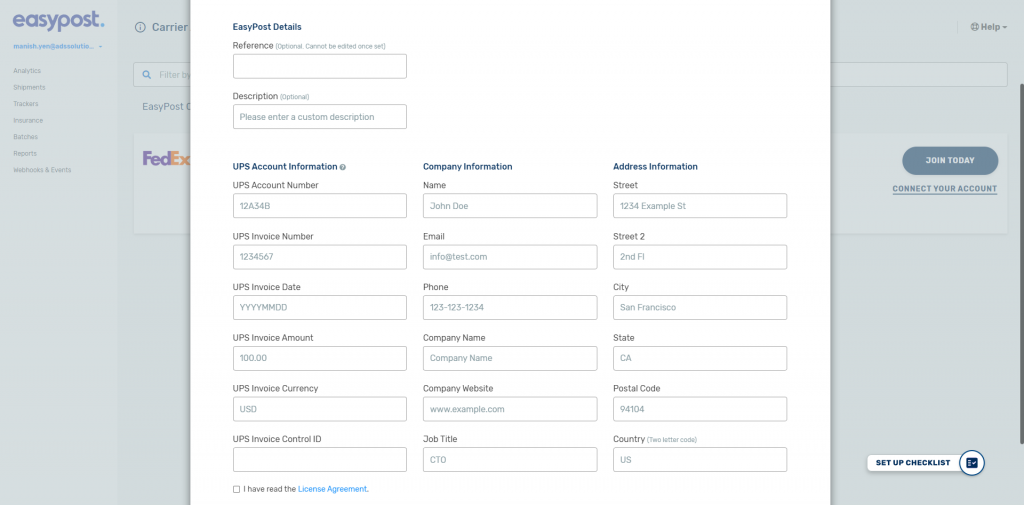
- Once you add your Carrier Account credentials, EasyPost will automatically pull in the rates and terms on your pre-existing carrier accounts.
- So, for example, if you have a direct UPS Account, enter these credentials and EasyPost will pull in all your negotiated UPS rates.
- Note UPS WorldShip isn’t supported, but you can ask your UPS account rep to set up an additional non-WorldShip account that will pull through all your UPS WorldShip rates.
Getting Your API Keys
- From the EasyPost dashbourd, click on the top left link and go to API Keys.
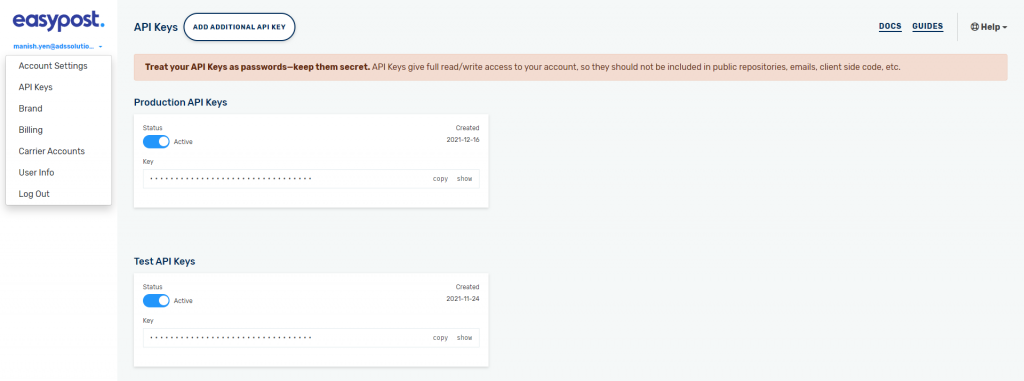
- You will see APIs for both the Test and the Production configurations.
- You should use the Production API only after you go live.
- This link provides a video guide: https://support.easypost.com/hc/en-us/articles/360004588571-Collecting-Your-API-Keys
Entering Your API Keys into Accolent ERP
- Go to Settings > System > System Configuration.
- Under Third-Party Linkage > EasyPost Settings > EasyPost Access Key enter the EasyPost API.

- Once your EasyPost API is entered, Accolent ERP will automatically pull in rates and services for the carriers you set up in EasyPost.
- From the Accolent ERP Ship screen on orders you will be able to select services and get rates from these carriers, get tracking numbers and print shipping labels directly from Accolent ERP.