
Accolent ERP allows users to open multiple browser tabs to multitask. However, users MUST NOT open multiple orders at the same time. The user session, which maintains an active cache, does not distinguish between the browser tabs. So, if an order for one customer is open in one browser tab and another order is started in another browser tab, this can lead to conflicts and/or merging of the two orders. Accolent ERP blocks this activity.
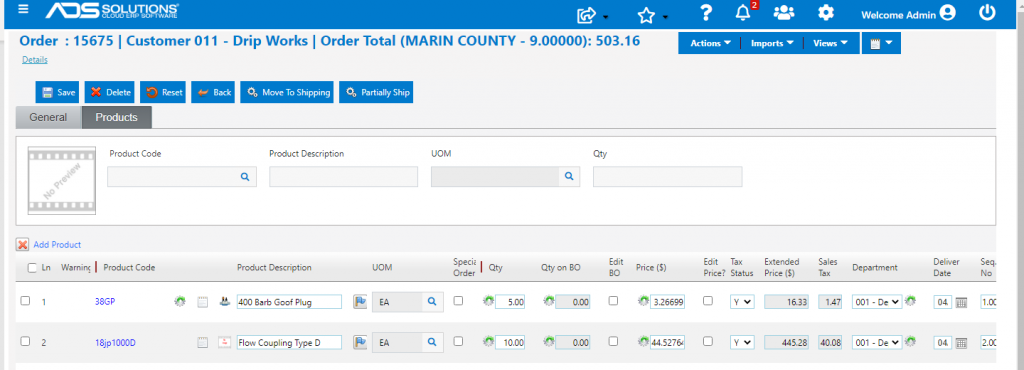
Open an Order
- Open order 15675.
Open Another Browser Tab – Lookup Something
- Use the menu to open the List Products screen in a second browser tab.
- Order 15675 still remains live and in process.
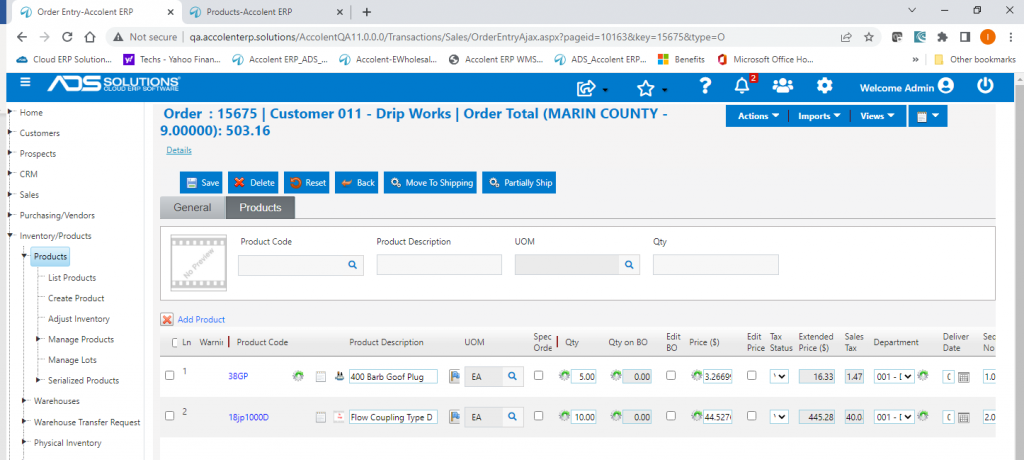
- Click on the Products tab and search for a Product Code, then open the Product.
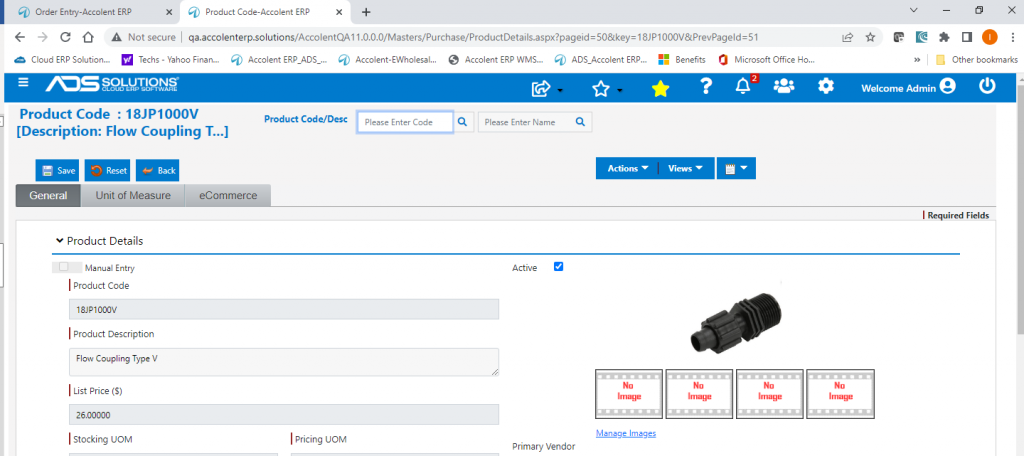
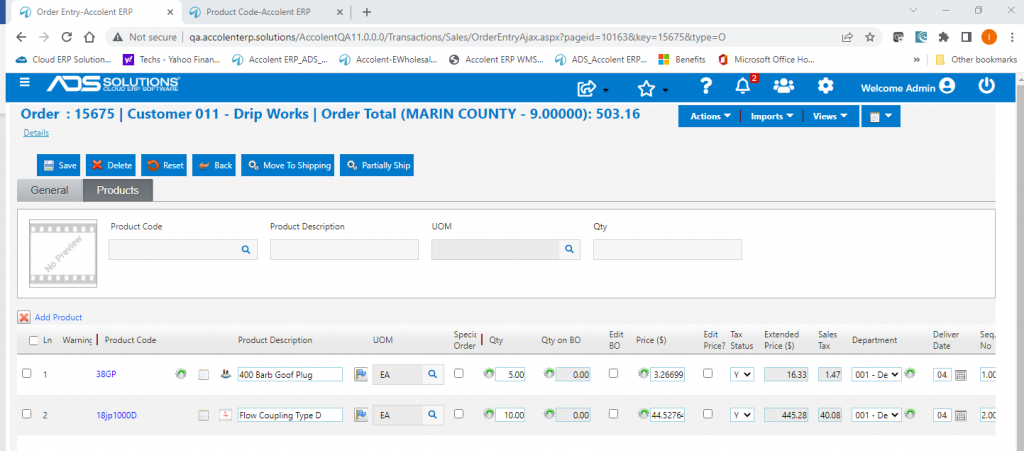
- Then go back to the order open in the first browser tab.
- The order 15675 is still open and live.
Open Another Browser Tab – Open an Order
- Now open another browser tab and open Order 15679.
- The new order is now locked.
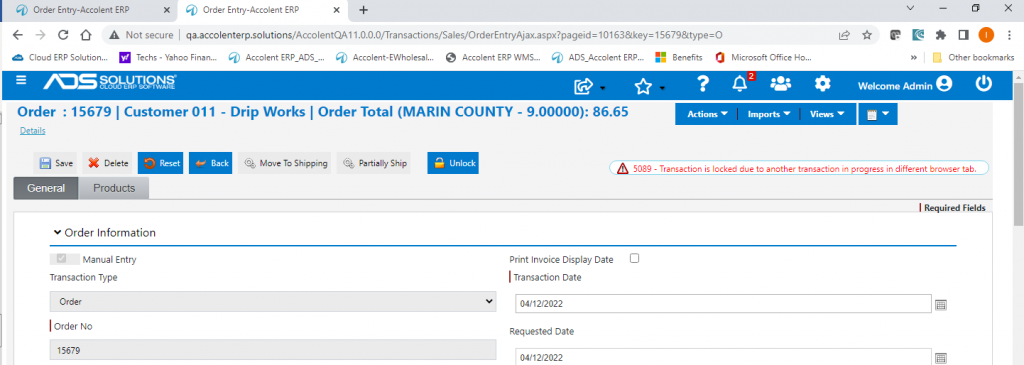
- But order 15675 is still live and open on the first browser tab.
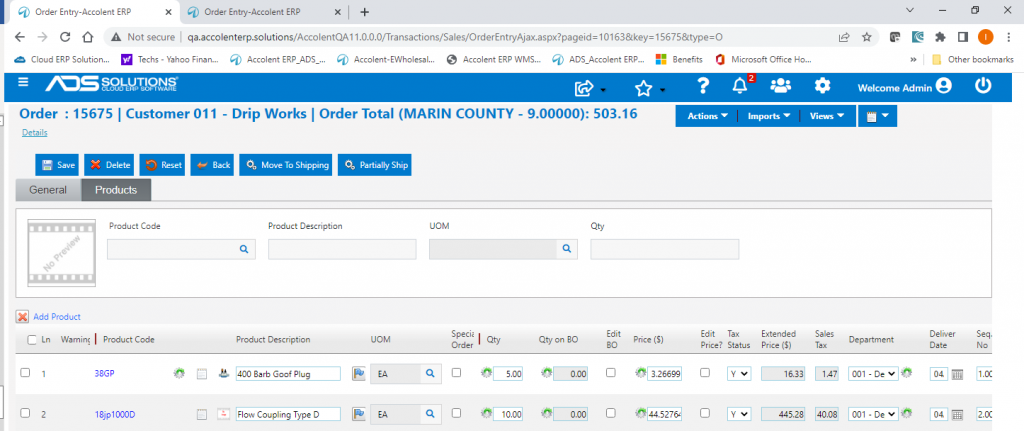
- Save and close order 15675 and return to order 15679.
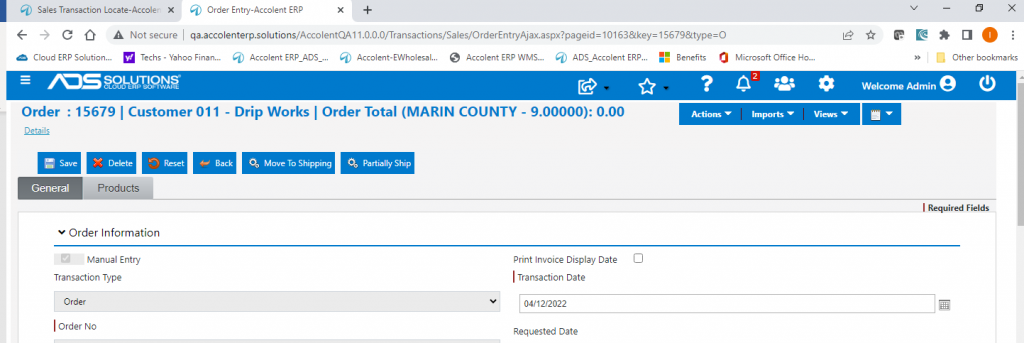
- Click on the Unlock button to release order 15692.
- Order 15679 is now live and can be processed.
- The same locking happens with Quotes, Shipments, and Immediate Invoices.