Accolent ERP allows for two possible methods of assigning salespersons. In the first model, a salesperson will be assigned to a customer and the salesperson assignment may be changed only by an All Rights user. So, the assigned salesperson will automatically receive commissions on all sales to that customer. In the second model, salespersons are not assigned to customers but the salesperson may be selected on a sale to any customer and will receive commission on that sale. Since many users have both models, there are two Configuration Settings that control the salesperson model for orders and for POS transactions. This wiki deals with POS transactions.
Two Models for Assigning Salespersons
- There are two different models of associating salespersons with transactions: (1) in the first model a salesperson is assigned to a customer and gets a commission on all sales to the customer, and (2) in the second model a salesperson is not assigned to a customer but can be selected on any sale and gets the commission for that sale.
- The salesperson models for each of orders and POS transactions can be selected separately.
- So, for example, regular orders could have salespersons assigned to customers, but over-the-counter sales could allow selecting the salesperson on the transaction.
Use Salesperson on Customer for POS Transactions
- To select the salesperson model for POS transactions, go to Settings > System > System Configuration.
- Then set Configuration ID 292 Salesperson Assignment on POS Transactions as follows:
- If set to Y the salesperson field will always have the value set up on the customer master.
- If set to N this means the salesperson field may be changed to the salesperson entering the transaction.
- In this example, the setting is Y to use the salesperson on the customer master.

Salesperson Not Assigned to Customer Enters a Transaction
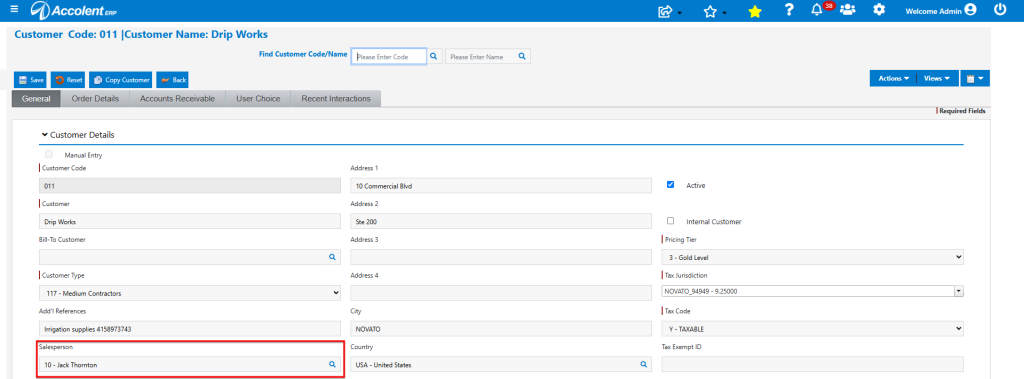
- Salesperson on customer 011 is set to 10-Jack Thornton.
- Now log in as Salesperson 110-Susan Reynolds and enter transaction I85474 for customer 011.
- Even though salesperson 110-Susan Reytnolds is entering the transaction, the system automatically sets the salesperson to 10-Jack Thornton.
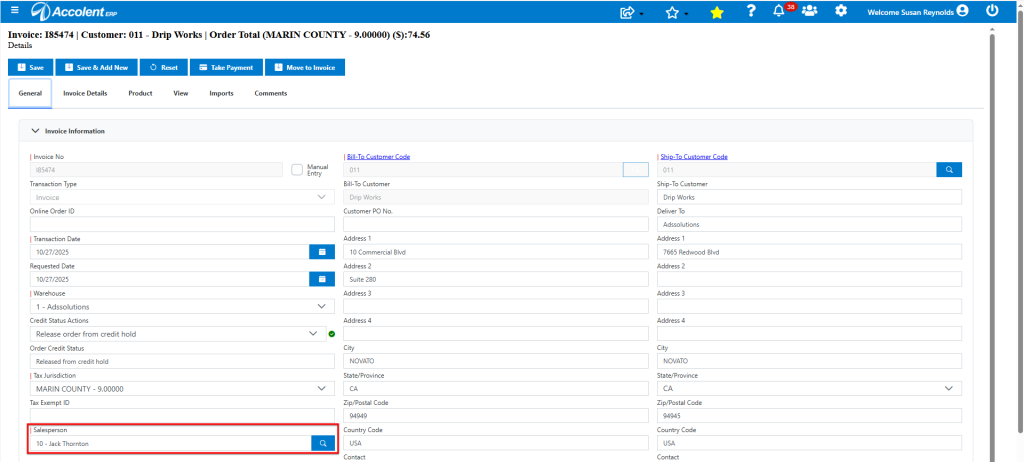
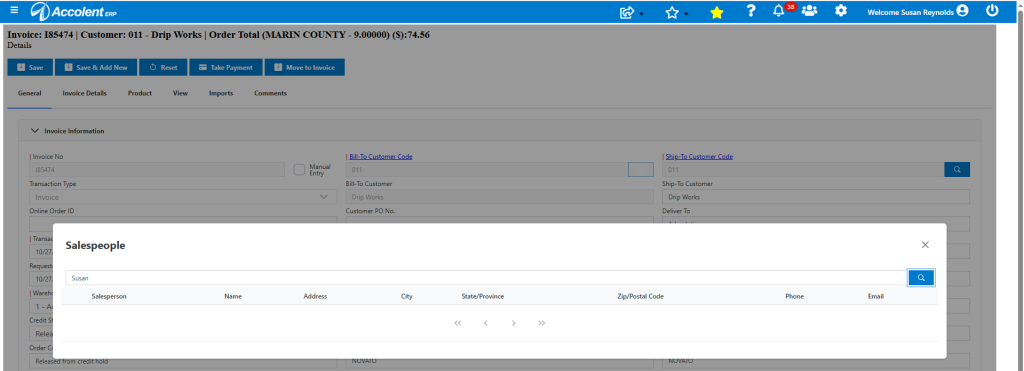
- Salesperson 10-Jack Thornton cannot be changed and will get the commission on this sale.
Select Salesperson on POS Transactions
- Now set Configuration setting 292 to N to select the salesperson on POS transactions.

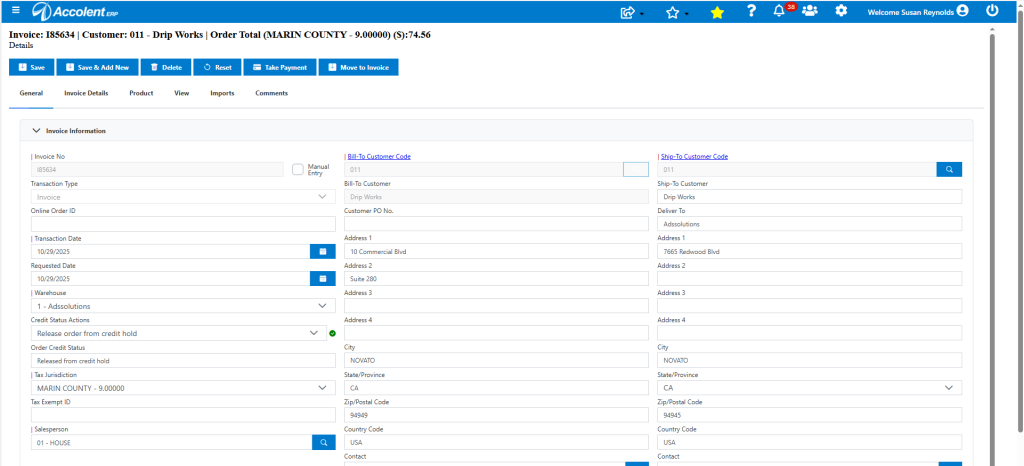
- Now, if salesperson 110-Susan Reynolds enters I85634 for customer 011, she defaults in as the salesperson.
- Unless changed, salesperson 110-Susan Reynolds will get the commission on this sale.
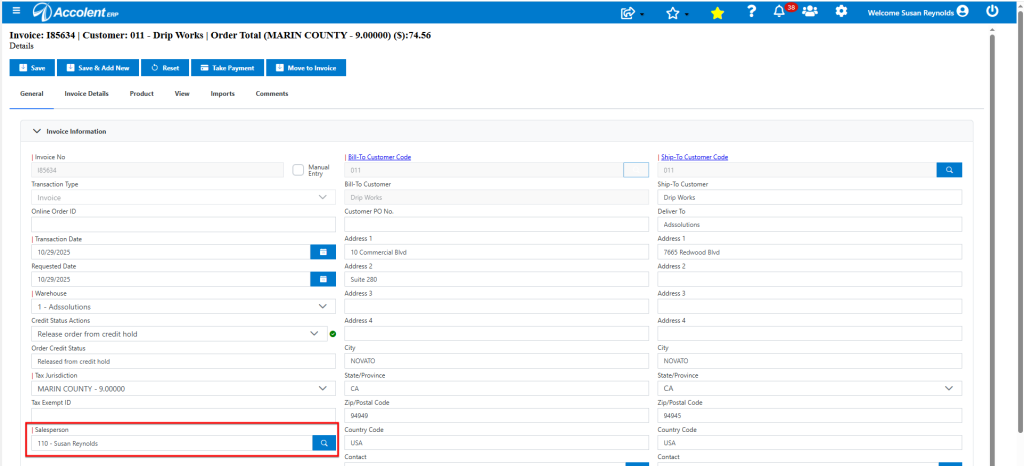
- The default salesperson may be changed to select another salesperson if desired (e.g., 01-HOUSE)