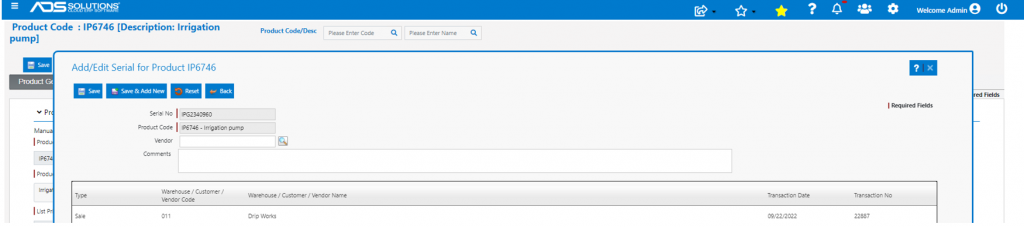
Accolent ERP tracks serialized products from receipt on a purchase order through sale to a customer. This enables tracking of the product for warranty or recall purposes. Sometimes, particularly in situations where repairs are performed, serial numbers may be used only for the purpose of identifying products. In these cases, Accolent ERP allows for entry of serial numbers on PO Receipt to be turned off and the serial numbers can be recorded only on sale.
Enable Skipping of Serial Entry on PO
- Set Config ID 196 to allow skipping of Serial No on PO Receipt.

Create Serialized Product
- Create Serialized Product IP6746.
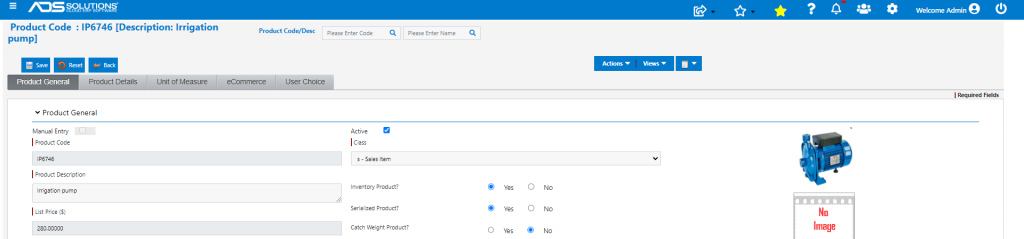
Create PO and Receive Serialized Product
- Create PO C5798 and Submit.
- Then receive PO C5798.

- Select Skip Serial checkbox to allow Save without entering Serial Nos.

- Then complete PO Receipt.
Sell Serialized Product
- Now create sales order 22887 to sell IP6746 and move to fulfillment.

- Select Enter Serial checkbox.
- Validation prevents entry of a previous Serial No in error.
- Enter serial no IPG2340960.

- Once accepted, move to Invoice to complete sale transaction.
Serial Number Entries
- Verify Serial No IPG2340960 is recorded in serial master.
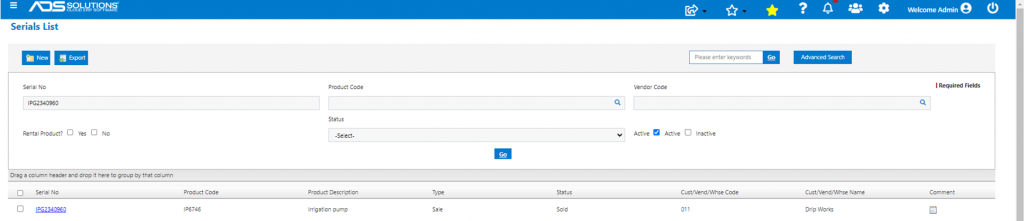
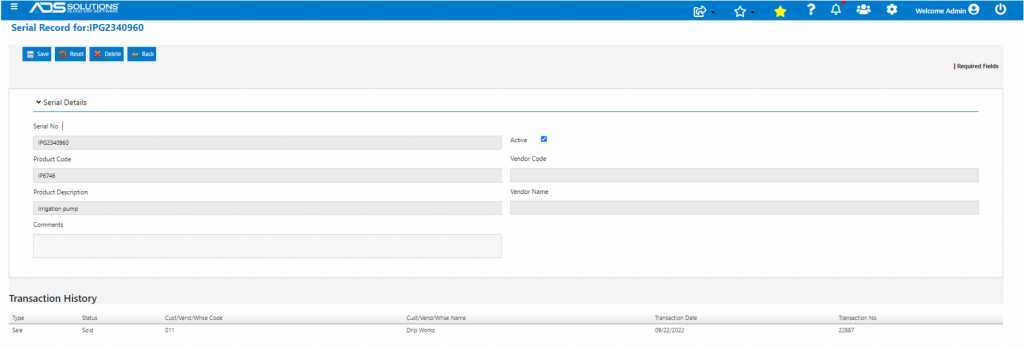
- Serial No is also recorded on the Product under Actions > Serial Nos.