
Accolent ERP provides a quick, easy way to navigate between Product records, Customer records and Vendor records without having to go back to the search screens every time. This can be very useful when doing maintenance on multiple product, customer or vendor records, for example.
Product Record
- On the Product master record, there are two fields at the top of the screen entitled Find Product Code/Desc.
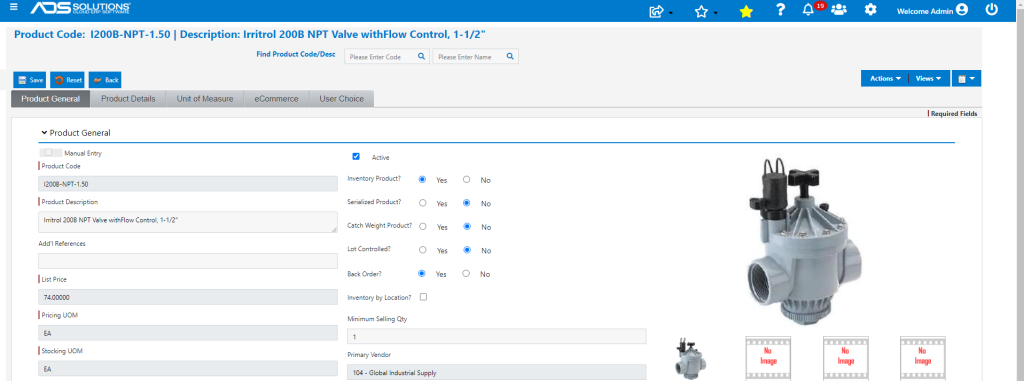
- Start to type in the Product Code or Product Description into either of these fields.
- The autofill will offer a set of options based on the characters typed in.
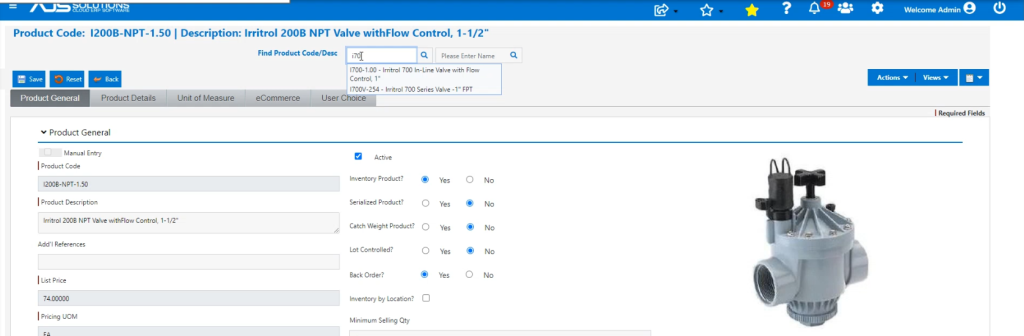
- Select from the autofill or enter.
- Immediately opens the new Product.
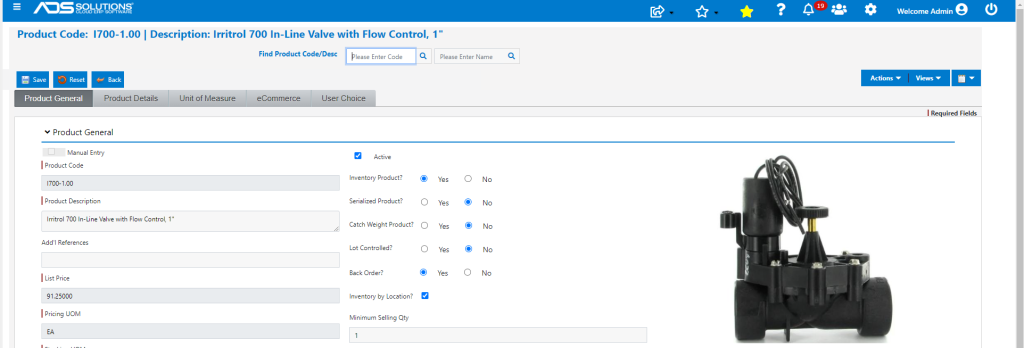
Customer Records, Vendor Records
- Each of the Customer, Vendor and Product records work the same way.