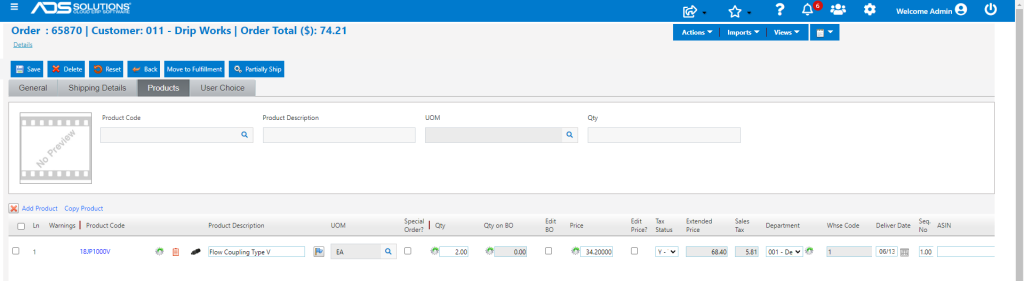
Accolent ERP tracks Quotes, Orders, Fulfillments and Invoices reflecting the flow of a transaction through the business. Once a Quote is accepted, it can be moved to an Order. Similarly, once the Order is released to the warehouse it can be moved to Fulfillment and once the Order is fulfilled and confirmed as shipped, it can be moved to Invoice.
Create a Quote
- Select Sales > Quotes > Create Quote.
- Create Quote 65870 for Customer 011.
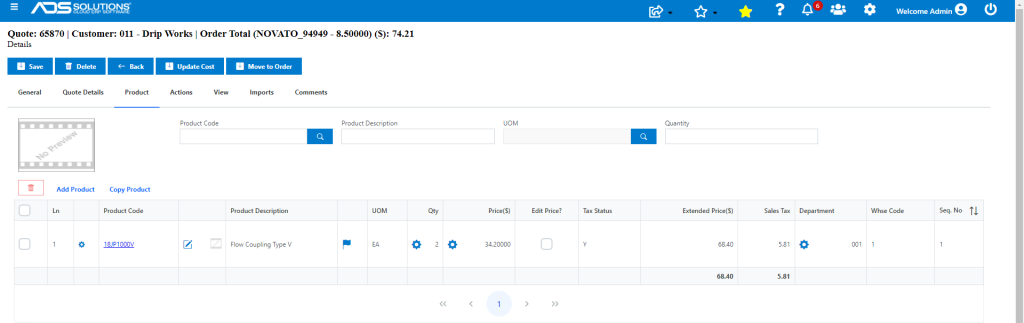
- To save the Quote as a Quote click on the Save button.
- This saves the Quote and redirects to the List Quotes screen.
Move Quote to Order
- To move the Quote to an Order, find the transaction on the List Quotes screen.
- Open the Quote and click Move to Order button.
- This creates the Order and redirects to the List Orders screen.

- To move the Order back to a Quote, select the Order on the List Orders screen and click Move to Quote.
Open to View the Order
- Open the Order.