The Accolent ERP Self-Service Portal allows Customers’ employees (“End-Users”) to place orders, review the status of their orders, look up their prior transactions, review their Statements and pay invoices. The Self-Service Portal is a separate website that is linked to Accolent ERP and allows access to only those Customers and their End-Users that have been approved for Self-Service Portal access. Customers will get the same pricing, terms, shipping methods, etc., on the Self-Service Portal as they would get in Accolent ERP. End-Users’ passwords for the Self-Service Portal may be changed in Accolent ERP by an All Rights user, and End-Users may change their own passwords which will update in Accolent ERP.
Set/Change Password in Accolent ERP
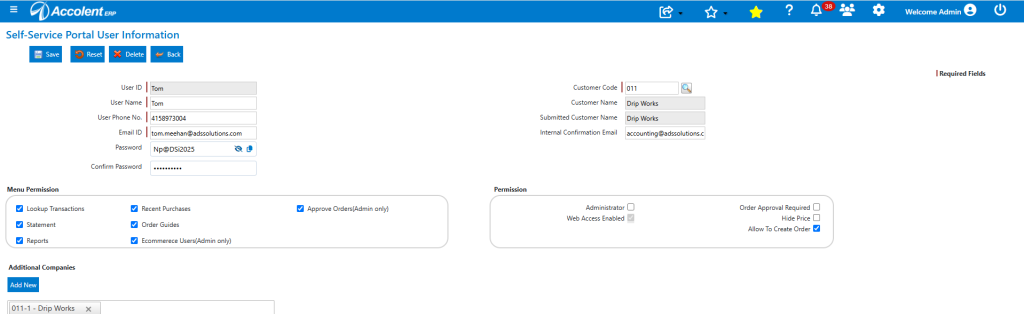
- To set/change the Self-Service Portal (“SSP”) password of an End-User, go to Settings > eCommerce Admin > Self-Service Portal > Portal Users.
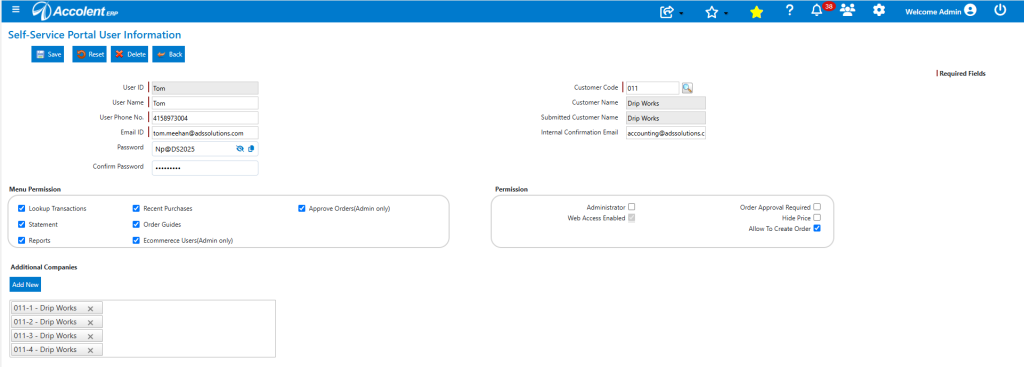
- In this case, change the password of SSP User Tom and Save.
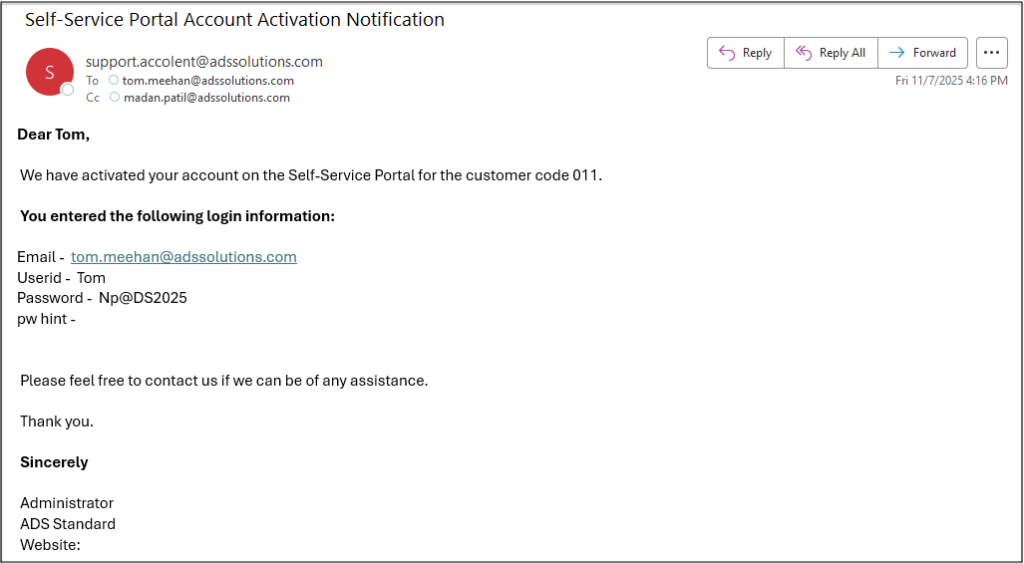
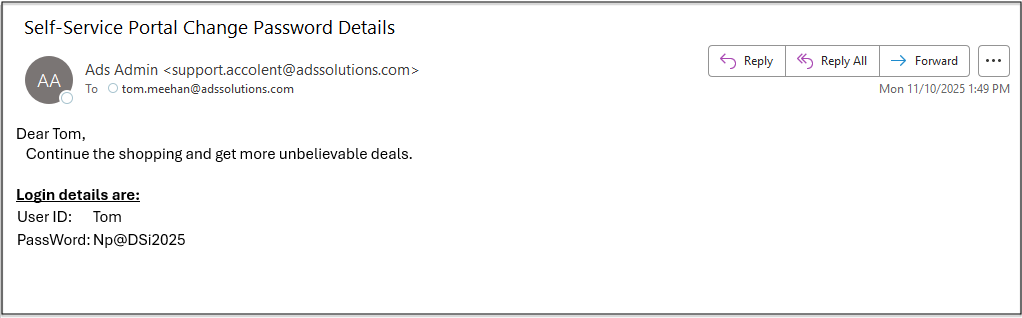
- The SSP End-User will receive an email notification of the change made.
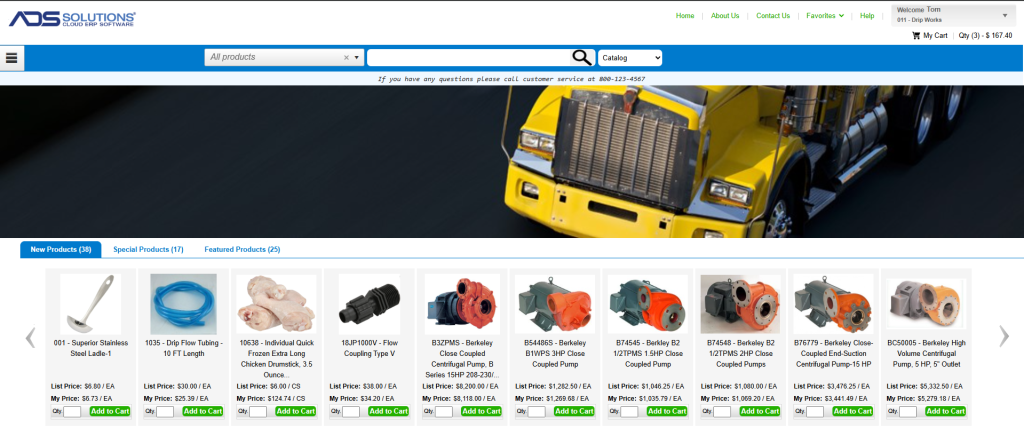
- The password change takes effect immediately, and the End User can login to the SSP with the new password.
Change Password from SSP
- The SSP End-User can click on the “Change Password” link to change the password.
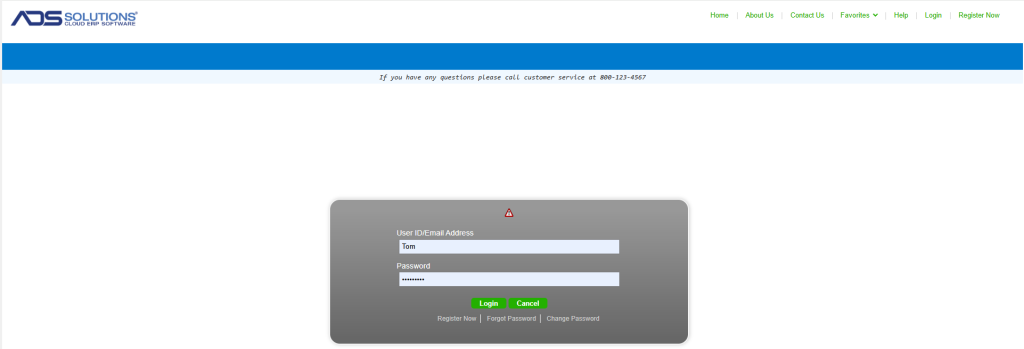
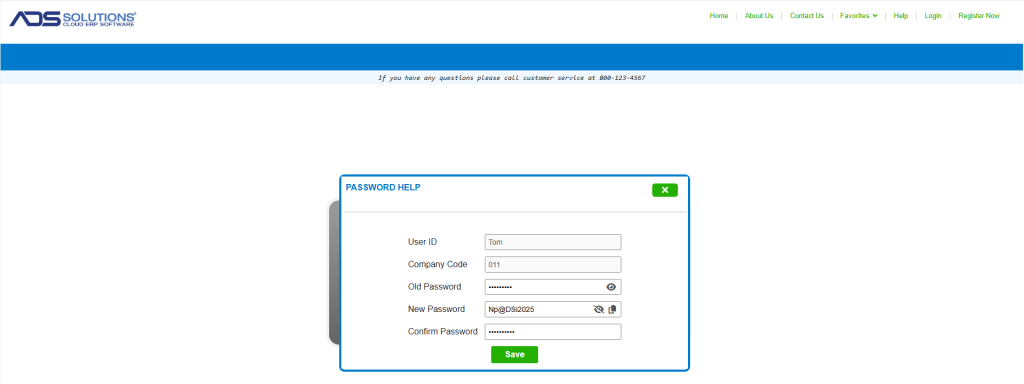
- This will bring up the screen for the End-User to change the password.
- NOTE that the End-User will have to supply the old password as a security check.
- The End-User will receive an email confirming the password change.
- The new password will be immediately changed in Accolent ERP.