
Accolent ERP allows international Customer/Vendor addresses. All of the Countries in the world have already been set up in the Countries Value list using the ISO2 standard nomenclature. To create an international address, first create the State/Province in the State/Province Value List and associate it with the Country. Then create a tax jurisdiction for the City. Once the State/Province and Tax Jurisdiction have been set up, then create the Customer or Vendor. Then orders or POs can be created for the Customer or Vendor.
Set Up Customer
- Go to Settings > Value Lists (M to Z) > State/Provinces/Provinces.
- Set up a State/Province for Quebec – State/Province Codes can be up to 15 alpha characters; enter code QC.

- Link to a Country Code (CAN) that has already been set up.

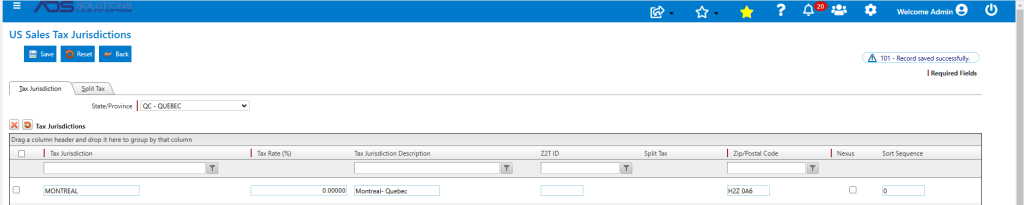
- Once the State/Province has been set up, go to Settings > Value Lists (M to Z) > Tax Jurisdictions.
- Set up a Tax Jurisdiction for Montreal.
- NOTE: Accolent ERP supports both the sales tax-type models (used in the US) and the VAT-type models (used in Canada, EU, India and other countries).
- Check the nexus flag, if appropriate.
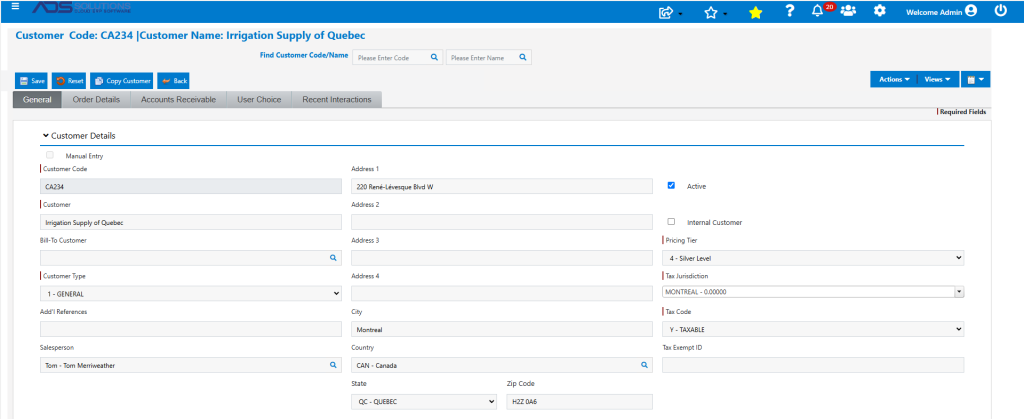
- Create Customer CA234 based in Montreal, Canada.
- City is Montreal, State/Province is Quebec.
Creating Orders
- Create order 74308 for Customer CA234 just as for any other customer.
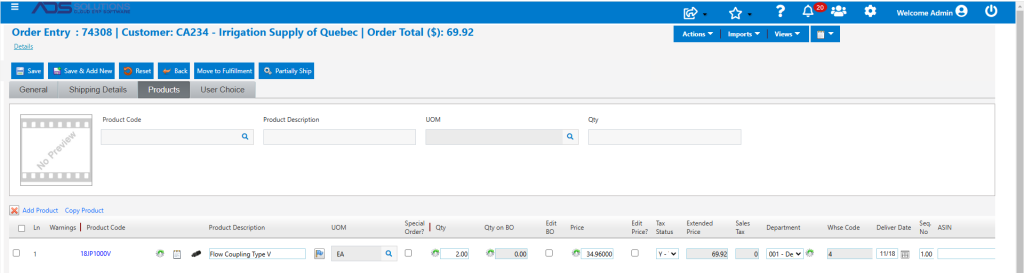
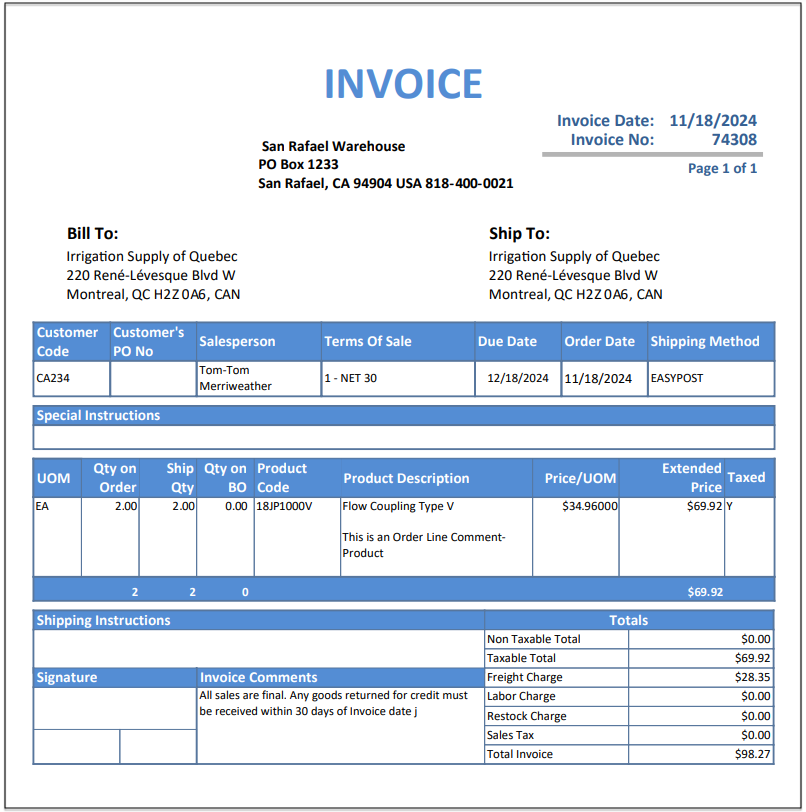
- Move to Fulfillment, then Invoice.
- Print the Invoice.
Creating POs
- Setting up international Vendors can be done in exactly the same way as for Customers.
- Once set up POs can be created for international Vendors.
Multi-Currency Functionality
- NOTE: in the above example, the invoices or POs will be created in the functional currency (i.e., USD).
- To create invoices and POs in foreign currencies and correctly account for the gains/losses on foreign currency translations, the Accolent ERP Multi-Currency functionality needs to be enabled.
- The Accolent ERP multi-currency functionality uses an API to get real-time forex rates and is delivered as an optional module.