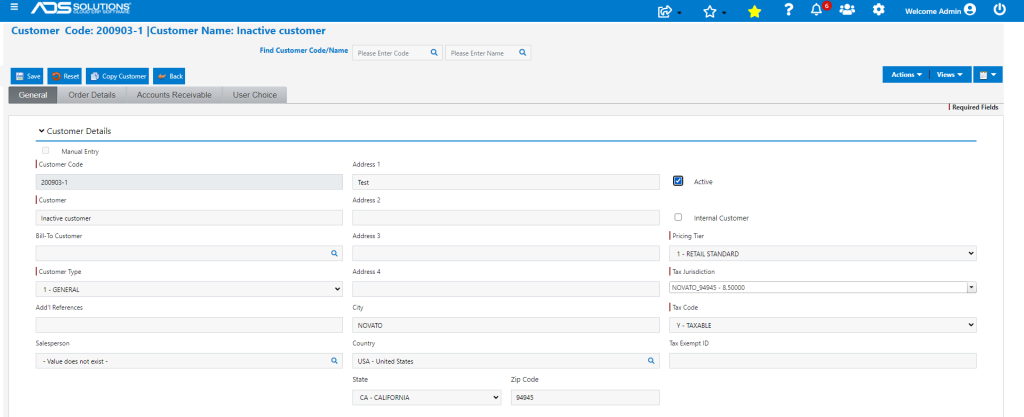
Accolent ERP allows records to be made inactive. Typically, this inactive status will be used for Customer, Product or Vendor records that are no longer in active use, but that cannot be deleted because they are still associated with transactions still in the system.
Finding an Inactive Record
- To find an inactive customer, for example, select Customers > Customers > List Customers.
- Check the Inactive search box and click on the Go button.
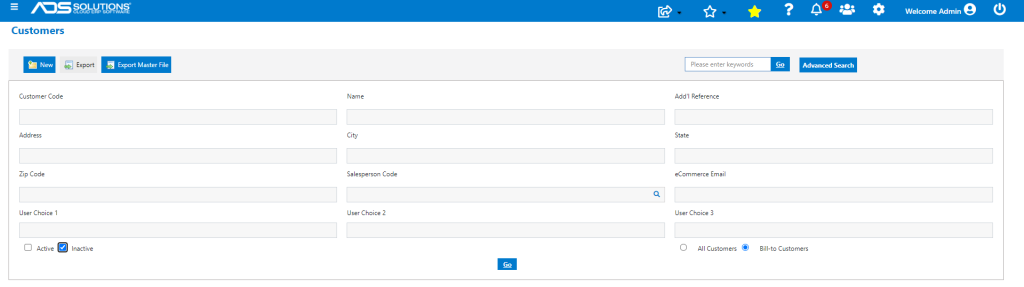
- These are the Inactive Customers.

- Follow the same process to find Inactive Product or Vendor records.
Making the Record Active
- Click on the Customer Code 200903-1 to bring up the record and check the Active box to change the status to Active and Save.
- Customer 200903-1 will now be Active.