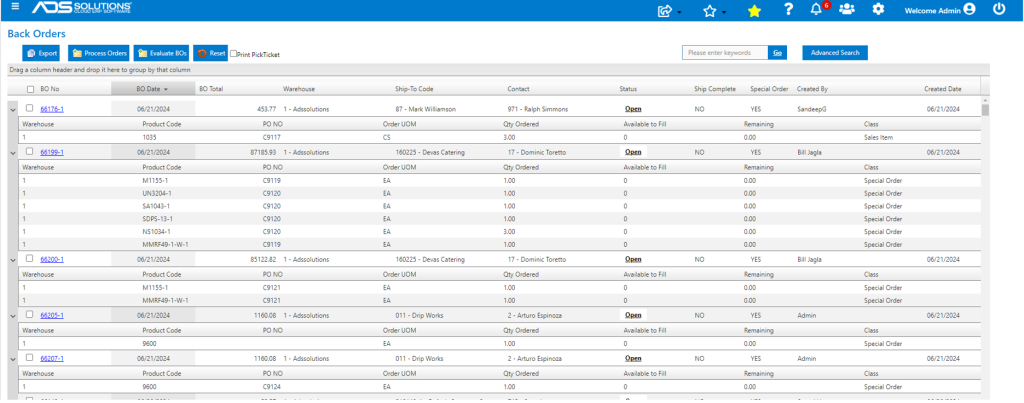
Accolent ERP creates Back Orders (BOs) for items that are ordered but not in stock and for special order situations. Special orders are sales orders and linked Purchase Orders (POs), when saved, the special orders are held as BOs until the POs are received. Accolent ERP has several useful BO Reports.
Back Order Reports
- Go to Sales > Manage Back Orders > BO Reports.
- This pulls up a Dynamic Report Grid that contains four back order reports.

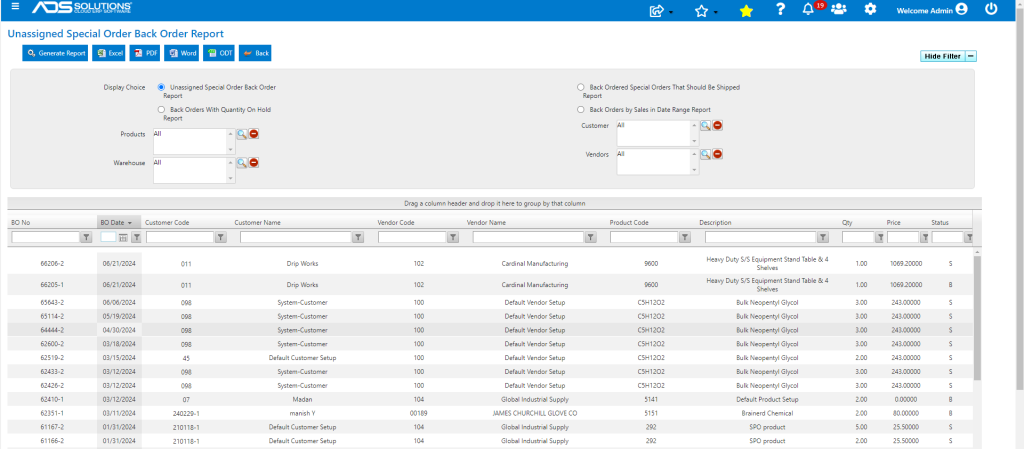
I. Unassigned Special Order Back Order Report
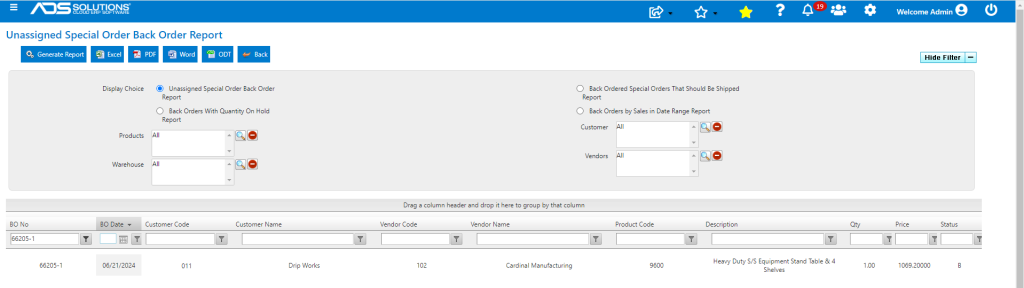
- Shows all special orders that do not yet have a linked PO.
- For example, create new special order 66205 but do not link to a PO (i.e., Auto PO=No) and move to fulfillment, creates BO 66205-1 that is unassigned.
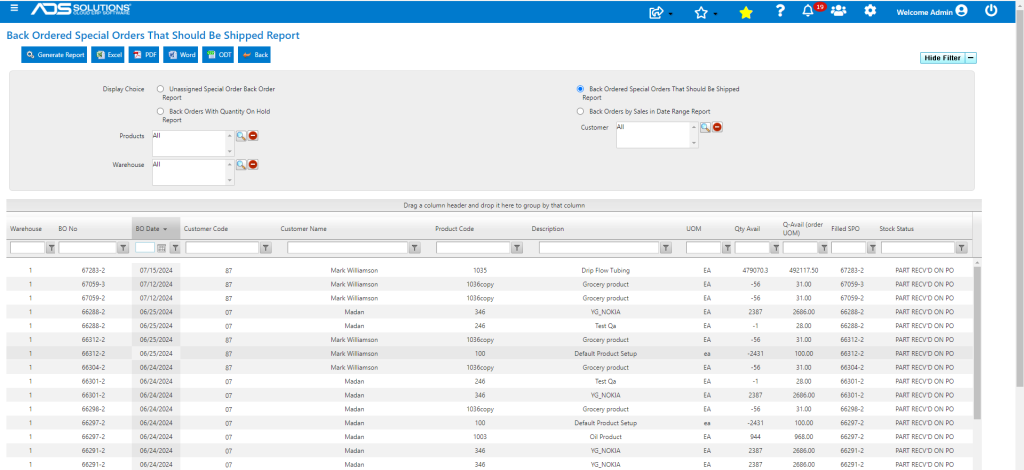
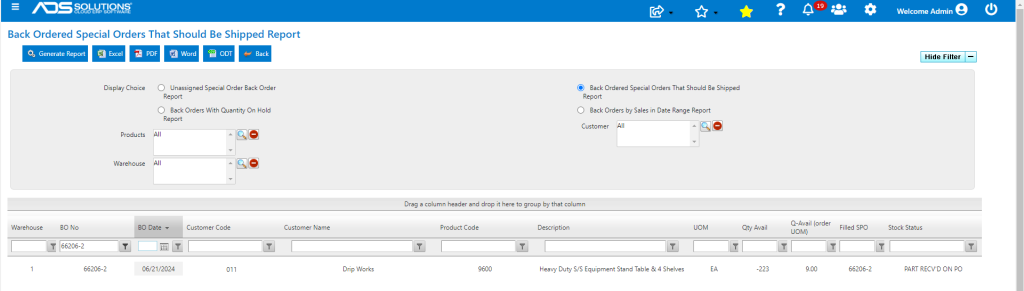
II. Back Ordered Special Orders that should be Shipped
- Shows Special Orders for which the PO has been received that are in shipping waiting to be invoiced.
- For example, create back order 66206-1 linked to PO C9123 which was received; BO 66206-1 is moved to fulfillment as order 66206-2 which be shipped.
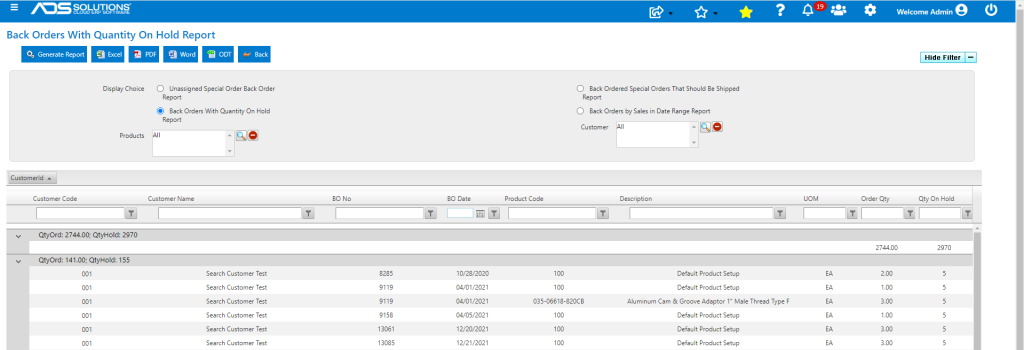
III. Back Orders with Quantity on Credit Hold Report
- Shows BOs for Orders that are on Credit Hold.
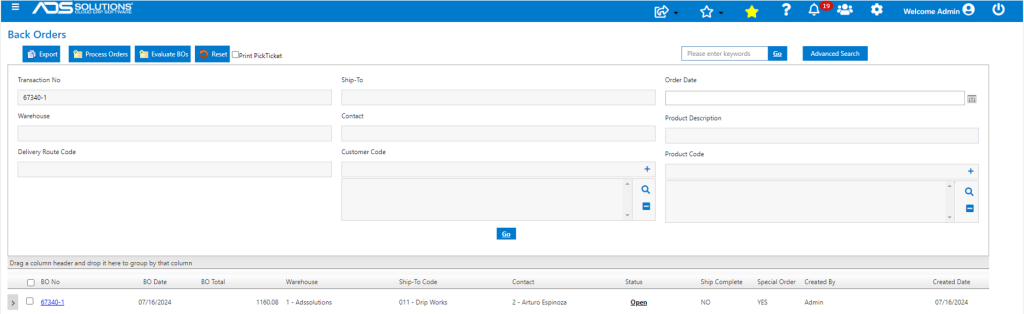
- Create order 67340 for customer on credit hold and move to fulfillment, creates 67340-1 on credit hold.
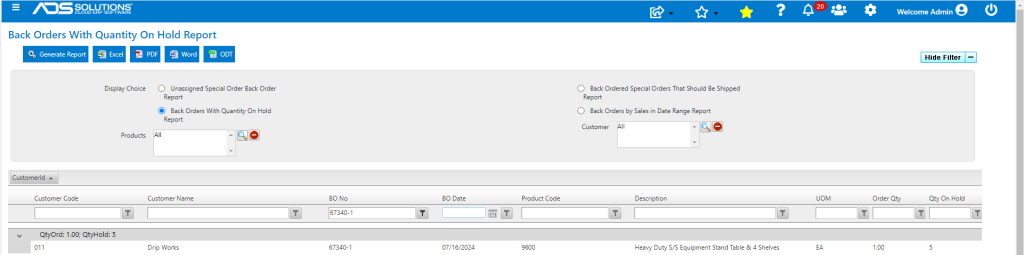
- Search on Back Orders with Quantity on Credit Hold report to see 67340-1
IV. Back Orders by Sales in Date Range Report
- Shows all the products on BO by date range.
- Run for 6/21/24.
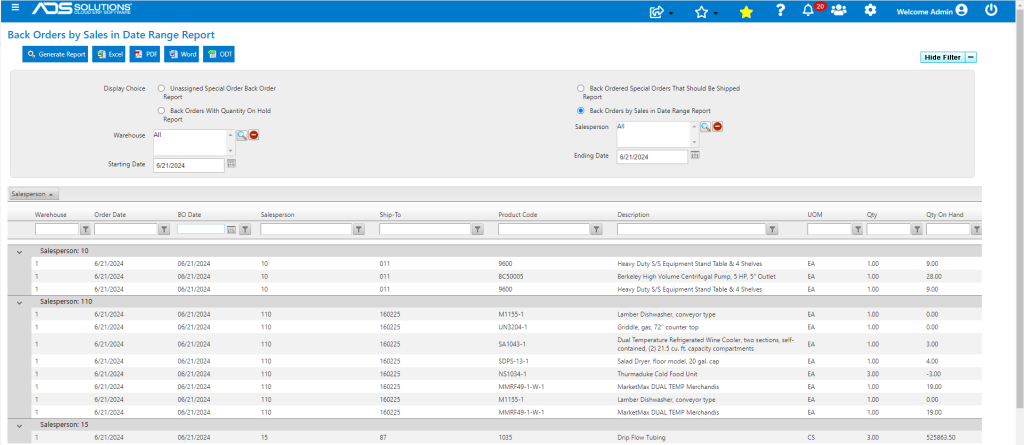
- This is the same population as can be seen by expanding BOs for 6/21/24.