
Accolent ERP allows the user to control what date range is used by default for displaying transactions in the Transaction Locate, List Quotes, List Fulfillments and List Invoices screens. To change the default setting use the System Configuration.
Set System Configuration
- Go to Settings > System > System Configuration.
- Use System Configuration ID 112 to enter the desired default Transaction Date Range (e.g., 30 days).

List Screen Displays
- Go to Home > Transaction Locate screen, for example.
- Filter defaults to the 30-day Date Range set.
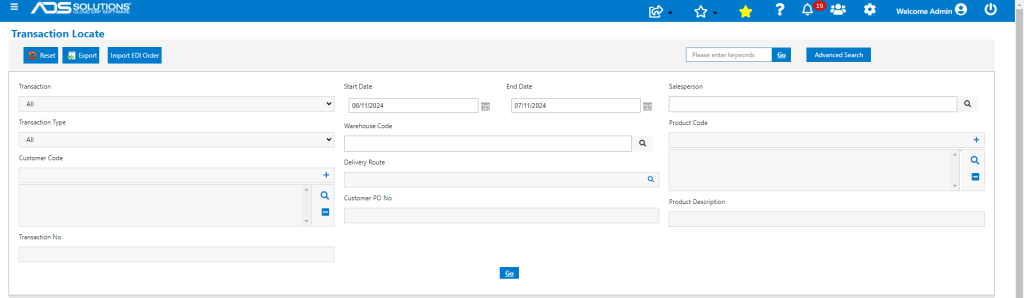
- To see a different date range for a particular search, change the Start Date and End Date filters.
- This setting applies to List Quotes, List Orders, List Fulfillments, List Invoices, List Credit Memos, List Rentals screens.