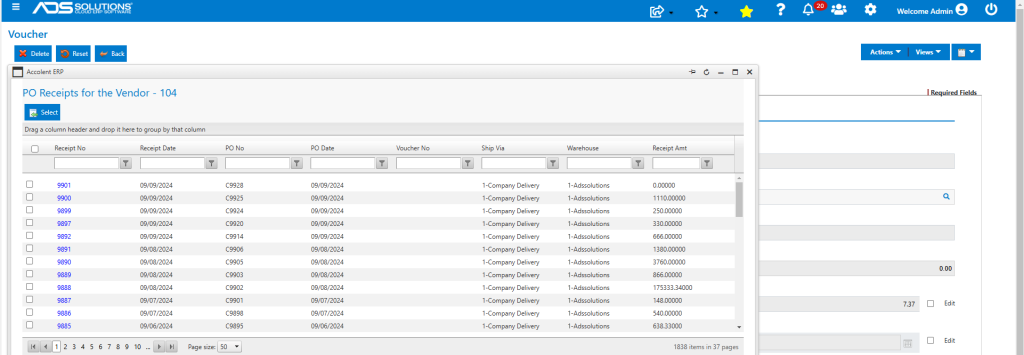
Accolent ERP has enabled moveable, resizable pop-ups that open where the pop-up is called on the screen. These pop-ups can be pinned in place or moved and can be minimized, maximized or manually resized as needed.
Open a Voucher
- Go to List Vouchers and select and open Voucher ZZ12317.
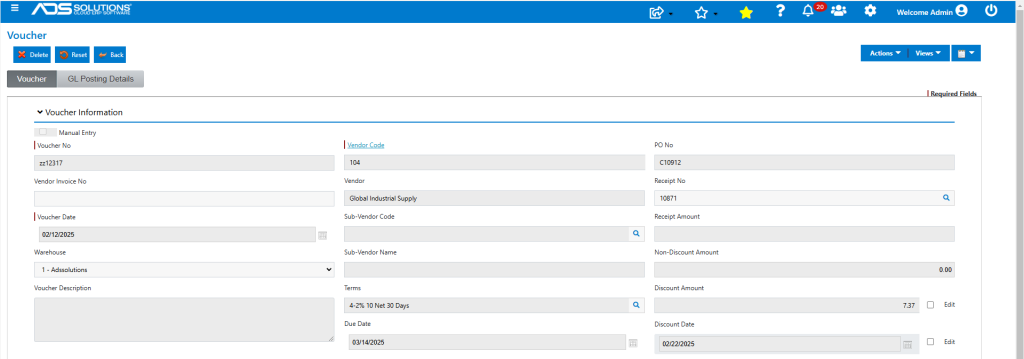
Open a Pop-Up
- Click on the Receipt No lookup to open the PO Receipts pop-up.
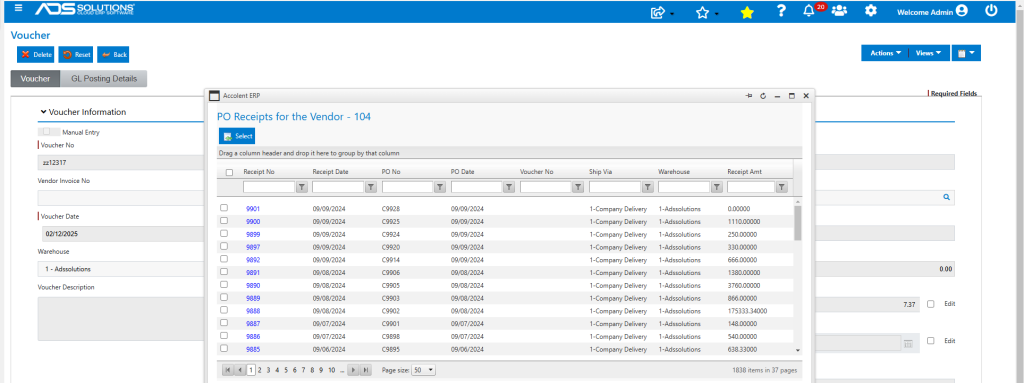
Pop-Up Controls
- The header controls on the pop-up can be used to manage the behavior of the pop-up.

- When the Pin icon in the pop-up header is horizontal the pop-up can be moved.
- Place the cursor in the header of the pop-up and drag to move the pop-up.
- To “pin” or fix the position of the pop-up click on the Pin icon which becomes vertical.
- Use the Minimize and Maximize icons to minimize or maximize the pop-up.