Accolent ERP provides a simple process to void either a computer or a manual check that has already been created. For a computer check that means that the check was previously completed and confirmed on the print checks screen. Either a computer check or a manual check that hasn’t been completed can just be deleted.
Void a Check
- To void a check that was just created and confirmed, go to GL > Manage Bank Accounts > List Checks.
- Select the check type then select the check to be voided.
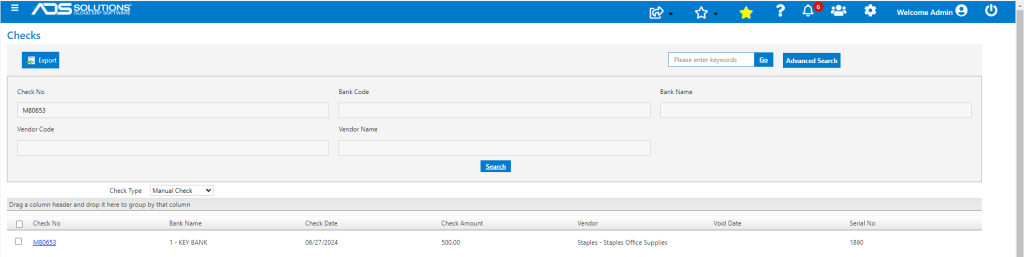
- Open the check to be voided.
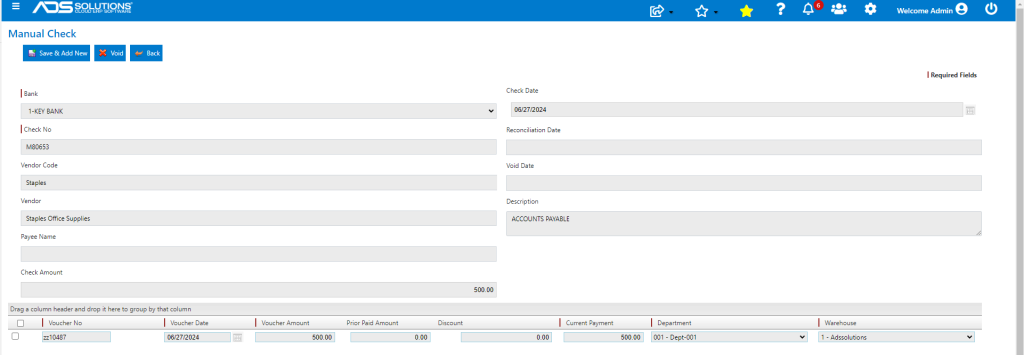
- Click the Void button to void the check.
- Confirm to Void.
- Look up the Void Checks.
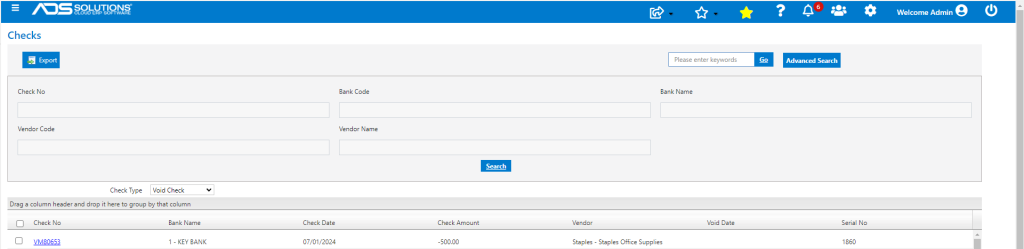
Voucher(s) on the Voided Check Released
- The Voucher ZZ10487 that was paid on this check now shows as open.
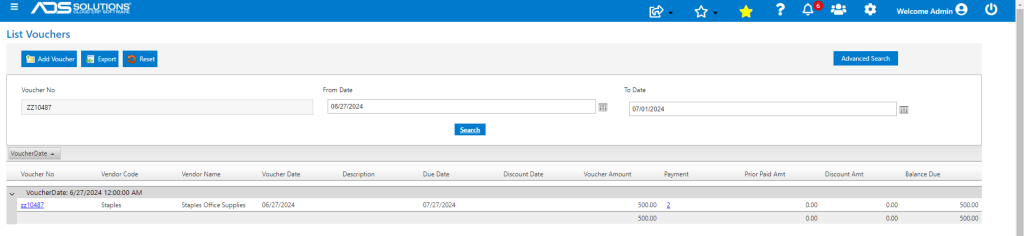
- The payment link on the Voucher shows both the original check and the voided check.

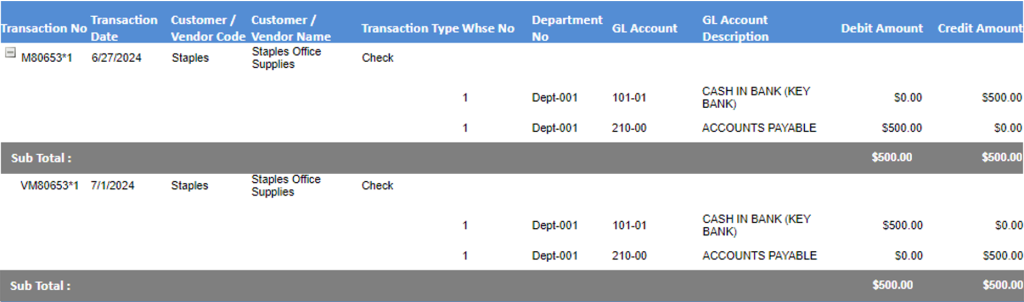
Original GL Posting Reversed
- GL Posting of voided check reverses the original check posting.