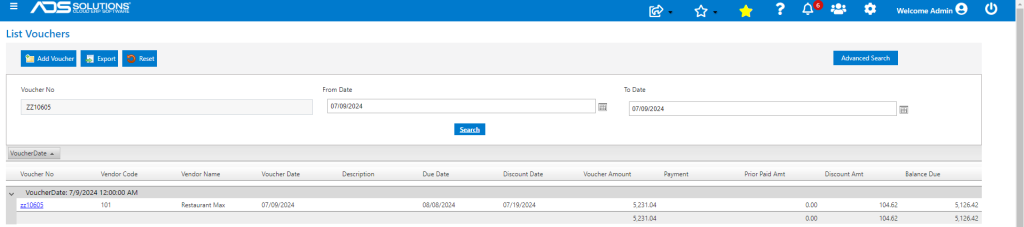
Accolent ERP typically requires that a Voucher for an Inventory Vendor is matched to a Receipt on the Purchase Order. This prevents payment of the Vendor for a PO that has not yet been received. This validation may be overridden by the user, if desired, when creating the voucher. This could be used if, for example, the user wished to pre-pay the PO for some reason.
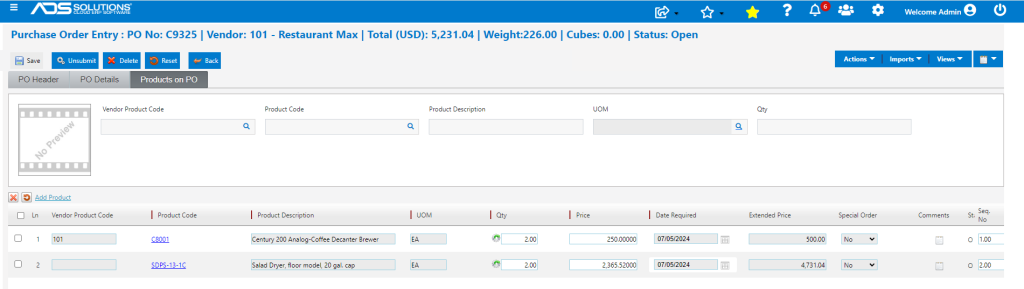
Unreceived PO
- PO No C9325 has the status Open which means that it has not yet been received.
Create a Voucher to Pay the Vendor
- There are certain validations built in to help ensure mistakes are not made inadvertently.
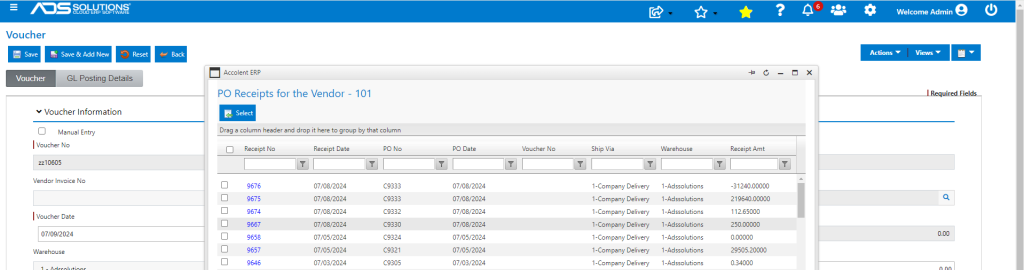
- Creating a voucher for an Inventory Vendor typically requires one or more PO receipts to be specified.
- The PO Receipts lookup only shows POs that are valid for this Vendor and that have one or more receipts against them.
- Once the PO Receipts are selected, the amount of the Voucher will be matched to the amount of the Receipts selected.
- In this case, the PO lookup doesn’t show PO No C9325 which has not been received.
- Search to confirm C9325 is not found.
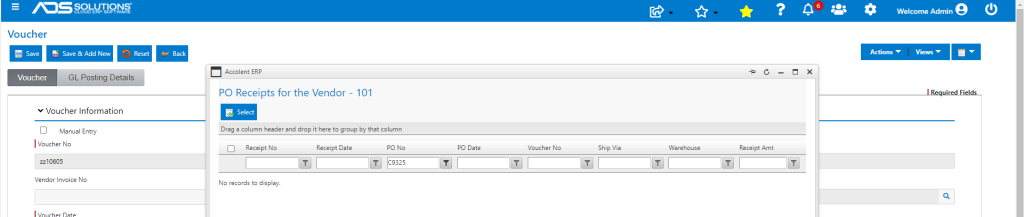
- Since the PO Receipt cannot be selected, it cannot be imported into the Voucher to be paid.
Override PO Receipt Validation
- To allow creation of a Voucher to pay PO C9325 before it has been received, select the Override PO and Receipt checkbox.
- This will remove the validation, allowing the PO to be paid even though the goods have not been received.
- Manually enter the Invoice Amount.
- Accept the GL Account default of Unconfirmed AP or change the GL Account.
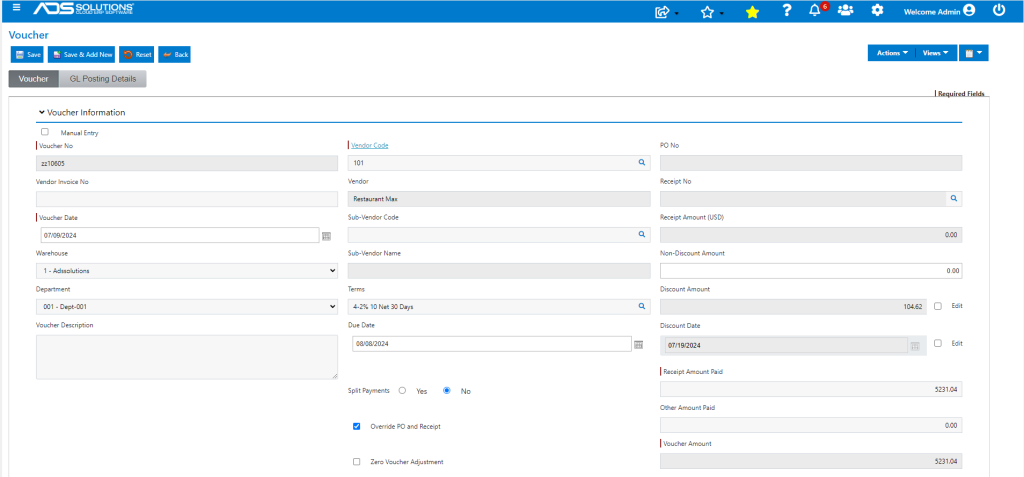
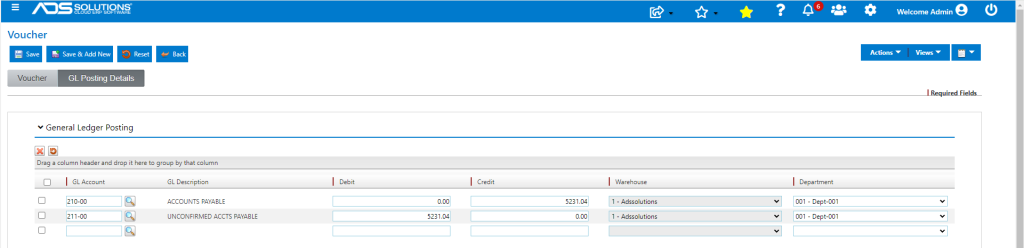
- Save to create voucher ZZ10605 which can now be paid.