
Accolent ERP automatically creates an entry into a Temporary PO table that updates as each line item is entered onto a Purchase Order (PO). If for whatever reason the application is exited without saving the PO, the PO will be able to be recovered from the Temporary POs menu. The Temporary PO can just be opened and then saved to continue entry from the last full entry made.
Enter a Purchase Order
- Select Purchasing/Vendors > Purchase Orders > Create Purchase Order.
- Enter Vendor and enter products on PO C9334
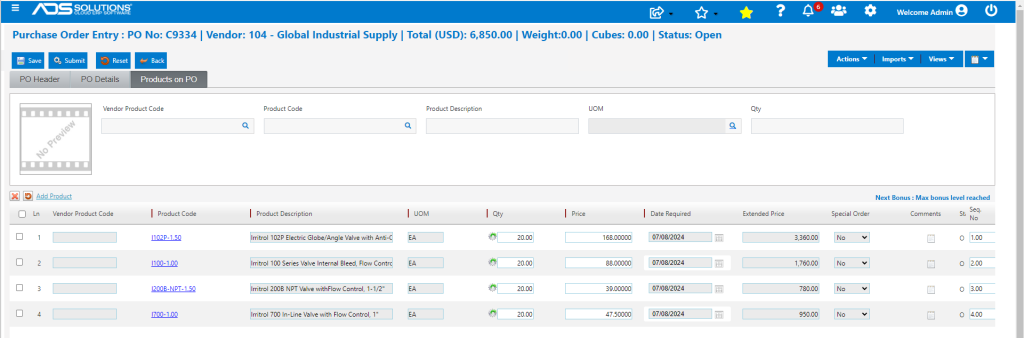
Exit Accolent ERP
- Exiting Accolent ERP either inadvertently, as a result of a timing out, through a lost connection or otherwise without saving the PO, will not result in any loss of data.
- A copy of PO No C9334 will be held in the Temporary POs file for a period of time.
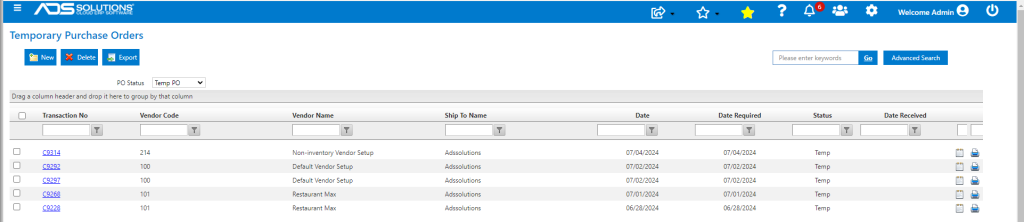
- To retrieve select Home> Temporary POs.
- PO No C9334 is the latest entry on the screen.
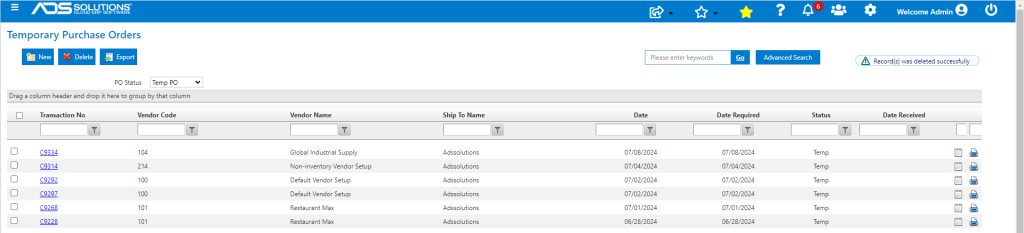
- Select PO No C9334 by clicking on the hyperlink.
- This reopens the PO that was in process when the application was exited.
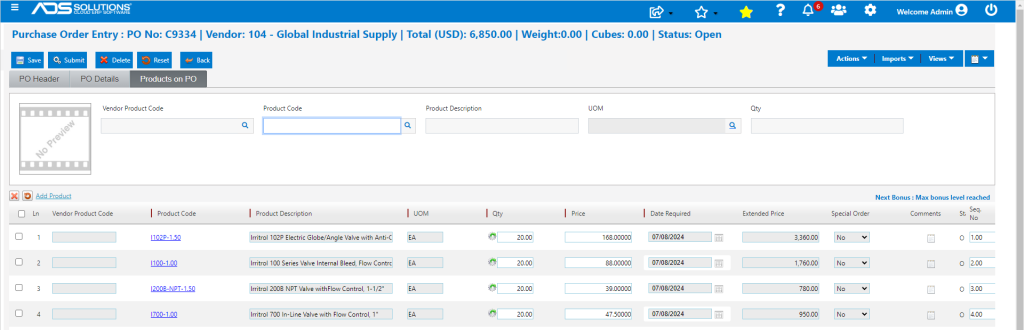
- No data was lost, and the PO can continue to be entered.
- For example, continue to add Products to the PO and then save.
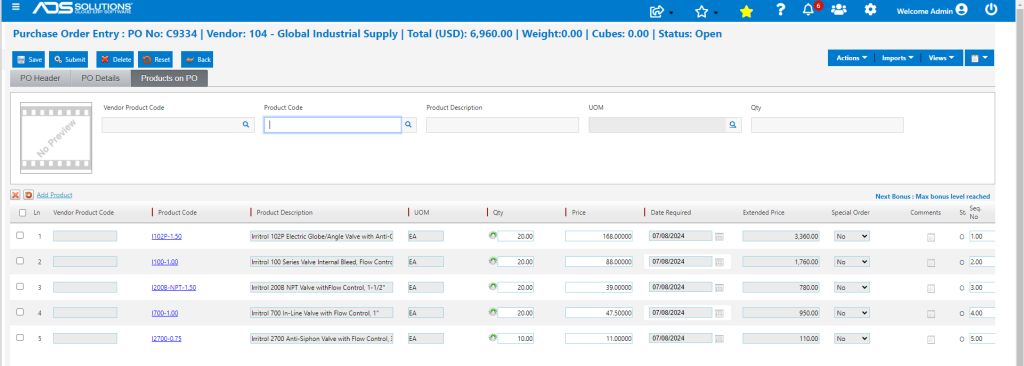
- Once saved, the PO is no longer shown from the Temporary POs menu.
Purging of Temporary POs
- Accolent ERP records the Qty on PO even for POs in Temporary status.
- To prevent mistakes in the Inventory Replenishment process, Temp POs are deleted after several days by an SQL Job.
- It is very important that Temp POs are reviewed daily since once deleted by the SQL Job, the PO will no longer be in the system.