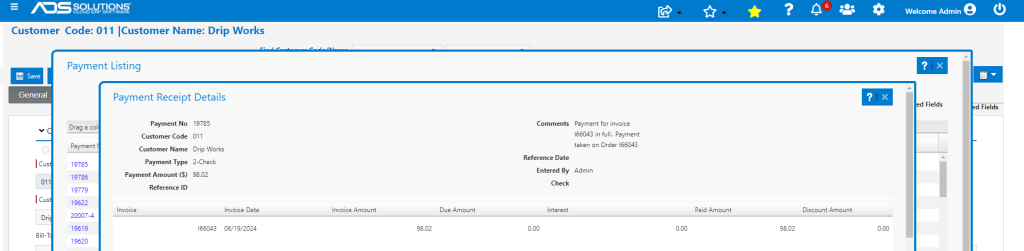
Accolent ERP allows users to enter comments on Payment Receipts to help identify the purpose of payment. These Payment Receipt comments are available from the Customer master payments screens.
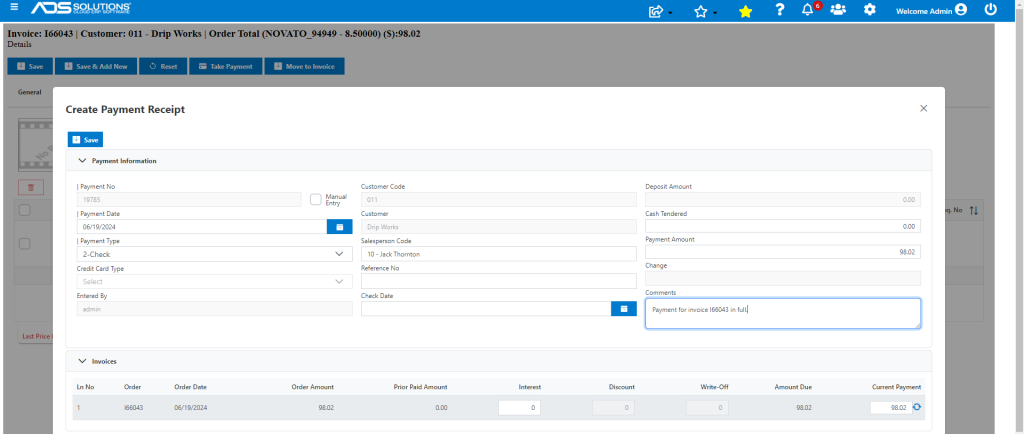
Create Payment Receipt
- Create payment receipt 19785 and enter comments on the Payment Receipt.
Viewing Entered Comments
- These comments will now be accessible from the Customer master.
- Go to Customer > Views > Payments.
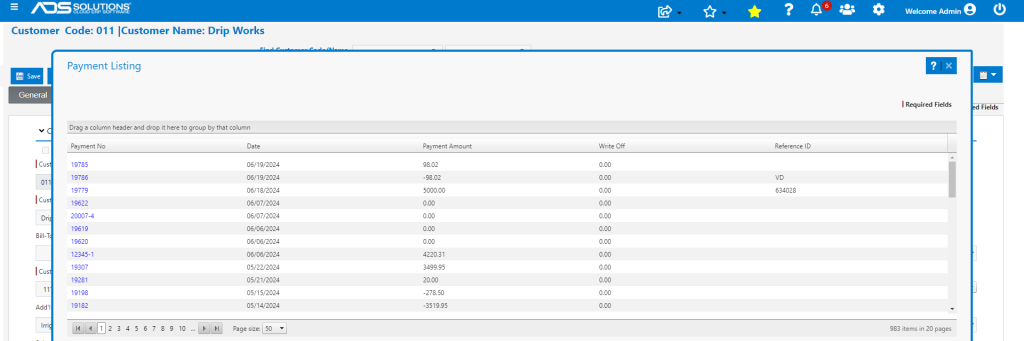
- Click on payment 19785 or locate by Reference ID if entered.
- Open payment receipt to view Comments.